
Creating social media content consistently is one of the biggest challenges for modern businesses, creators, influencers and personal brands.
The problem is not always a lack of ideas. Often, the real challenge is finding enough time to plan, record, photograph, edit and publish content every day.
A business owner may know that they need Instagram Reels, educational posts, product photographs, Stories and videos, but creating each piece separately can become expensive and time-consuming.
There is a smarter approach: batch content creation.
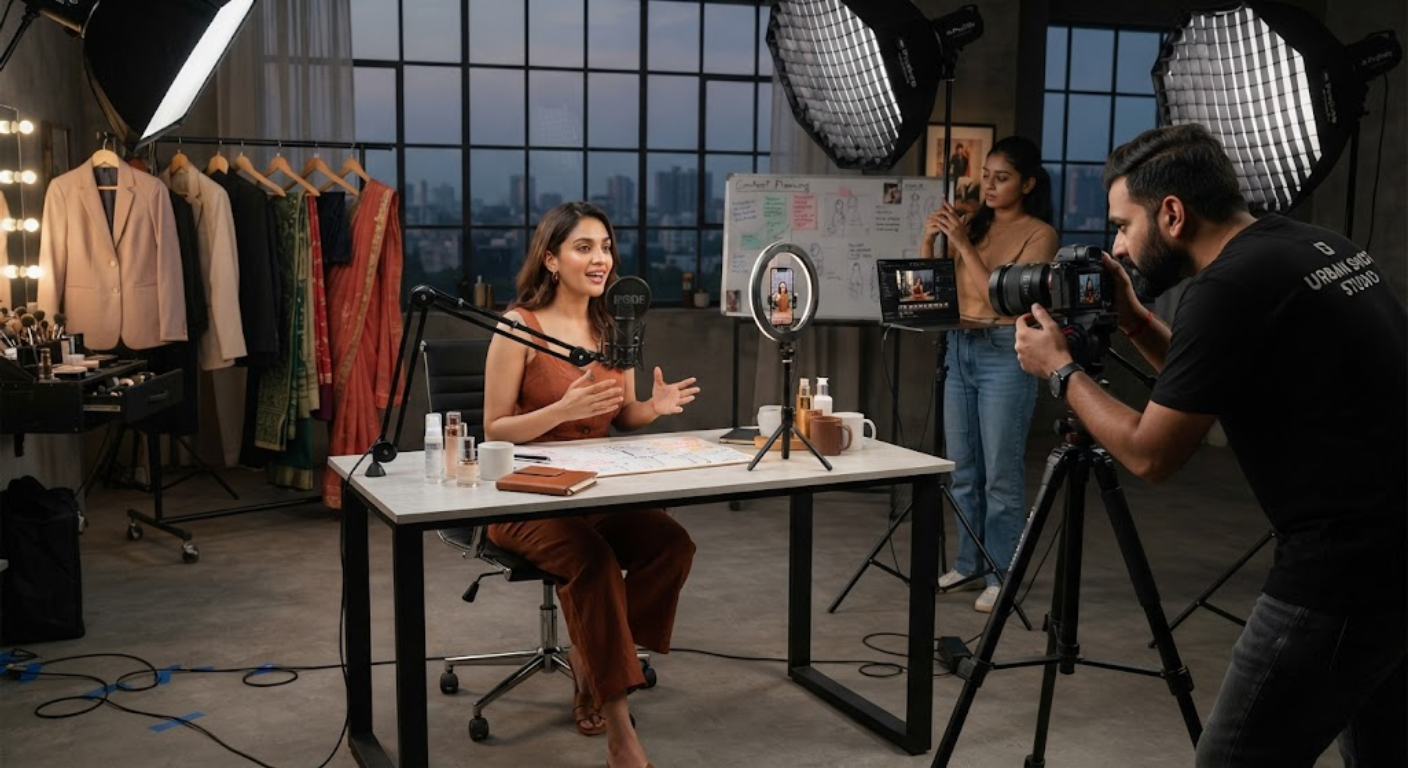
Instead of planning one shoot for every post, you can organize one professional content shoot around multiple content ideas and create enough raw material for several weeks.
A single well-planned shoot can produce talking-head videos, Reels, product demonstrations, photographs, testimonials, educational clips, behind-the-scenes footage, Stories and promotional content.
The key is preparation.
You need to know what content you want before entering the studio, which outfits and props are required, which videos can be recorded together and how the raw footage will later be divided into individual posts.
This guide explains how to create 30 days of social media content from one professional shoot, including planning, scripting, shooting, photography, editing, repurposing and scheduling.
1. Start With a 30-Day Content Strategy
The first step is not booking a studio. It is deciding what you want to publish during the next 30 days.
Without a content strategy, a shoot can generate hundreds of photographs and hours of video without producing the specific content your audience needs.
Start by defining your goals.
Your content might be designed to:
- Increase brand awareness
- Generate leads
- Promote products or services
- Build personal authority
- Educate your audience
- Increase engagement
- Drive website traffic
- Generate enquiries
- Build trust
- Showcase customer results
Once your goals are clear, divide your monthly content into different categories.
For example, a service business could use educational videos, FAQs, client problems, solutions, testimonials, team content and promotional posts.
A product brand might focus on product demonstrations, lifestyle photographs, product benefits, tutorials, comparisons, customer use cases and promotional content.
The objective is to create a content mix rather than publishing the same type of post every day.
2. Build a Content Bank Before the Shoot
Once you know your monthly goals, create a content bank.
A content bank is a list of all the photographs and videos you want to capture during the shoot.
Instead of thinking about 30 individual posts, think about content groups.
For example:
Educational Content
Record several short videos answering common customer questions.
Authority Content
Create expert tips, industry opinions and professional advice.
Promotional Content
Showcase products, services, offers and benefits.
Engagement Content
Create questions, polls, opinions and discussion-based videos.
Trust Content
Capture testimonials, behind-the-scenes footage, team interactions and process videos.
Brand Content
Photograph the founder, team, workspace, products and everyday business activities.
This approach makes the shoot much more efficient because several pieces of content can be created from the same setup.
3. Plan 30 Days of Content From 5–7 Content Pillars
You do not need 30 completely different ideas.
Instead, create several content pillars and generate multiple posts from each pillar.
A strong monthly content plan can include:
1. Educational Content
Tips, tutorials, mistakes, how-to videos and frequently asked questions.
2. Promotional Content
Products, services, packages, features, benefits and offers.
3. Authority Content
Industry insights, opinions, expertise and professional advice.
4. Social Proof
Testimonials, client stories, case studies and results.
5. Behind the Scenes
Production processes, team activities, studio footage and preparation.
6. Personal or Brand Story
Founder stories, company journey, values and experiences.
7. Engagement Content
Questions, myths, comparisons, opinions and audience challenges.
For example, one expert could record ten educational answers in a single setup. Those answers can later become ten individual Reels.
The same person can then change their outfit and record promotional videos, followed by photographs for thumbnails and social media posts.
This is how a single production day can become a monthly content library.
4. Prepare Scripts, Hooks and Shot Lists
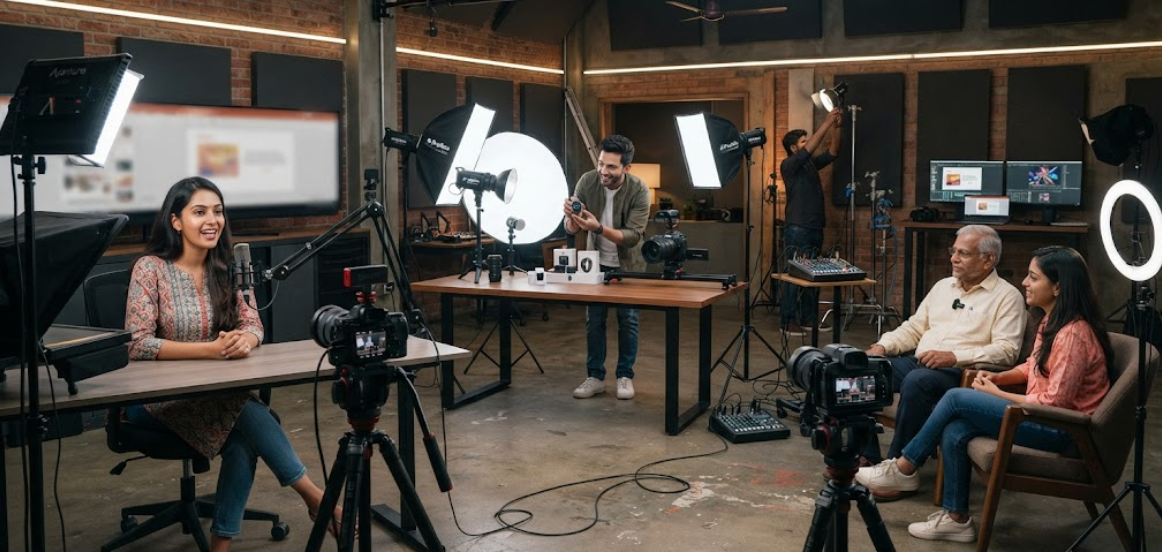
Professional production time should not be wasted deciding what to say after the camera starts recording.
Prepare scripts, hooks and shot lists before the shoot.
Your script does not always need to be word-for-word. For natural content, bullet points can sometimes work better.
For every video, prepare:
- Hook
- Main message
- Supporting points
- Example
- Call to action
The first few seconds are especially important for short-form video. Start with a question, problem, surprising statement or useful promise that gives viewers a reason to continue watching.
For example, instead of beginning with a generic introduction, start with the audience’s problem.
The content can then explain the solution before ending with a simple call to action.
A shot list is equally important for visual content.
Write down every photograph, video angle, product shot, close-up and supporting clip you need.
This prevents important content from being forgotten.
5. Plan Multiple Outfits and Visual Looks
One of the easiest ways to make one shoot appear like multiple content sessions is to change the visual appearance.
You do not need an excessive number of outfits. A few carefully selected looks can create useful visual variation.
Plan outfits according to your brand.
For a professional personal brand, you might use:
- Formal business look
- Smart-casual look
- Casual creator look
- Brand-specific outfit
- Product-focused look
For fashion or lifestyle brands, the number of looks can be much larger.
Coordinate outfits with backgrounds and content themes.
For example, an educational video series can use one consistent outfit so viewers recognize it as a recurring series. Promotional content can use a different look to visually separate it from educational material.
Also capture photographs after each outfit change.
These images can later be used for:
- Reel covers
- Instagram posts
- LinkedIn posts
- Website banners
- Story graphics
- Quote posts
- Promotional creatives
6. Shoot Reels and Short Videos in Batches
Batch recording is one of the biggest time-saving techniques in professional content production.
Instead of switching between camera setups after every video, record several videos using the same lighting, camera position and background.
For example, record:
Batch 1:
Five educational videos.
Batch 2:
Five FAQ videos.
Batch 3:
Five promotional videos.
Batch 4:
Five authority or opinion videos.
You can then change the outfit or background between batches.
This approach reduces the time required for lighting adjustments, camera repositioning and sound checks.
It also helps the presenter maintain momentum.
Once the camera and microphone are properly configured, the creator can focus on delivering the content rather than repeatedly preparing for the next recording.
Record multiple takes when necessary, but avoid endlessly repeating the same script. Natural delivery is usually more useful than trying to make every sentence perfect.
7. Capture Photos and B-Roll During the Same Shoot
Do not use the entire production session only for talking-head videos.
While the set, lighting and wardrobe are ready, capture supporting photographs and B-roll.
B-roll is especially valuable because it can be added to Reels, advertisements, Stories and promotional videos.
Useful B-roll can include:
- Walking into the studio
- Preparing a product
- Using a computer
- Talking with a team member
- Writing notes
- Working on a project
- Handling products
- Demonstrating a service
- Looking at a camera
- Using equipment
- Close-ups of hands
- Product details
- Workspace shots
- Natural candid moments
These clips can make edited videos more dynamic.
A single five-second B-roll clip may be reused across multiple videos without requiring another shoot.
Also capture both horizontal and vertical compositions when appropriate.
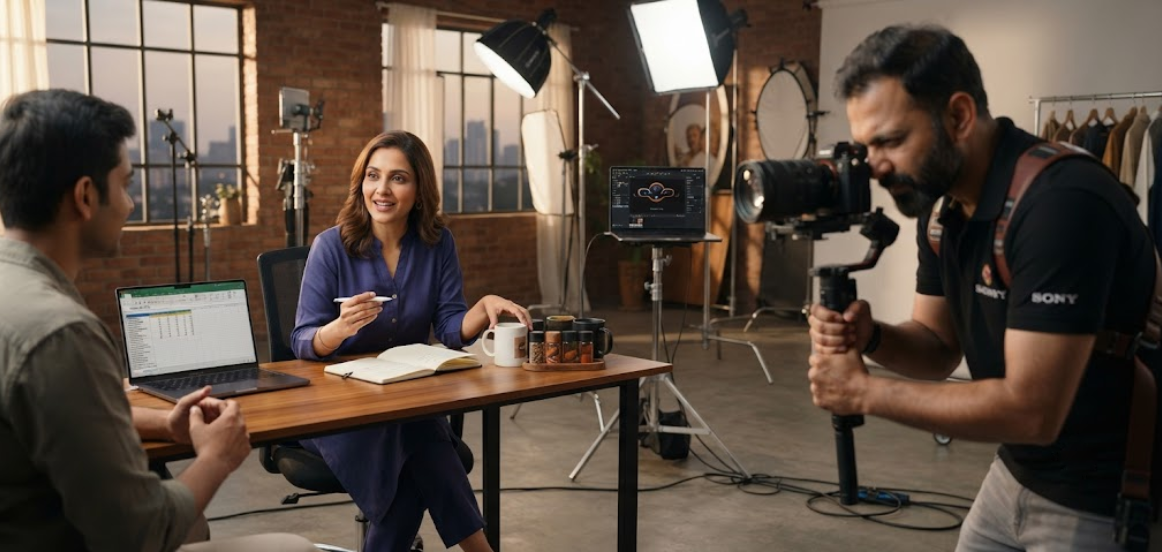
8. Create Different Content Formats From the Same Footage
One recording does not have to become only one social media post.
A long-form expert video can be transformed into multiple short clips.
For example, a 15-minute conversation could produce several short educational videos, one longer YouTube video, quote graphics and supporting social media posts.
Similarly, one product demonstration can generate multiple formats.
Content Repurposing Examples
One talking-head video →
- Instagram Reel
- YouTube Short
- LinkedIn video
- Story clip
- Quote graphic
One product shoot →
- Product photograph
- Product Reel
- Detail photograph
- Carousel
- Story
- Promotional advertisement
One testimonial →
- Full testimonial
- Short testimonial clip
- Quote post
- Story
- Website testimonial section
Repurposing allows you to extract more value from the same production investment.
9. Use One Shoot to Create a Mix of Content Types
A 30-day strategy should not consist entirely of Reels.
Different formats serve different purposes.
A monthly content shoot can provide:
- Short-form Reels
- Educational videos
- Product demonstrations
- Professional portraits
- Lifestyle photographs
- Carousel graphics
- Testimonials
- Behind-the-scenes clips
- Story content
- Promotional videos
- Founder photographs
- Team photographs
- Quote graphics
- FAQ videos
This variety keeps your social media presence from becoming repetitive.
It also allows you to adapt content to different platforms.
Instagram may prioritize Reels and Stories, LinkedIn may benefit from professional insights and photographs, while YouTube can accommodate longer educational videos and Shorts.
The same raw material can therefore support several platforms.
10. Edit Content for Each Platform
Raw footage should not simply be uploaded everywhere without adaptation.
Each platform can require different dimensions, pacing, captions and presentation.
For short-form video, remove unnecessary pauses and keep the opening engaging. Add captions when appropriate because many users watch social videos without sound.
For photographs, prepare suitable crops for the intended platform.
For professional networks, the caption and message may need a more informative approach. For Instagram, the same visual can be paired with a more conversational caption.
Professional post-production can include:
- Video trimming
- Noise reduction
- Colour correction
- Audio enhancement
- Captions
- Motion graphics
- Branding elements
- Transitions
- Thumbnail design
- Photo retouching
- Background cleanup
- Platform-specific exports
The goal is not simply to make content look polished. It should also make the message easy to understand.
Conclusion
Creating 30 days of social media content does not necessarily require 30 separate production days.
With the right strategy, one professionally planned shoot can generate a substantial library of photographs, Reels, videos, B-roll, testimonials, product demonstrations, educational clips and promotional assets.
The secret is batch production and content repurposing.
Start with a 30-day strategy, define your content pillars, prepare scripts and shot lists, organize outfits and props, record videos in batches, capture supporting photography and B-roll, and then turn the raw material into platform-specific content.
A professional content studio can make this process even more efficient by combining photography, video production, lighting, sound recording and post-production within one workflow.
Most importantly, do not treat your shoot as a single day of photography or video recording. Treat it as a monthly content production system.
When planned properly, one shoot can provide the visual assets needed to maintain a consistent online presence for an entire month—while saving time, reducing repeated production costs and giving your brand a more professional and consistent appearance.