
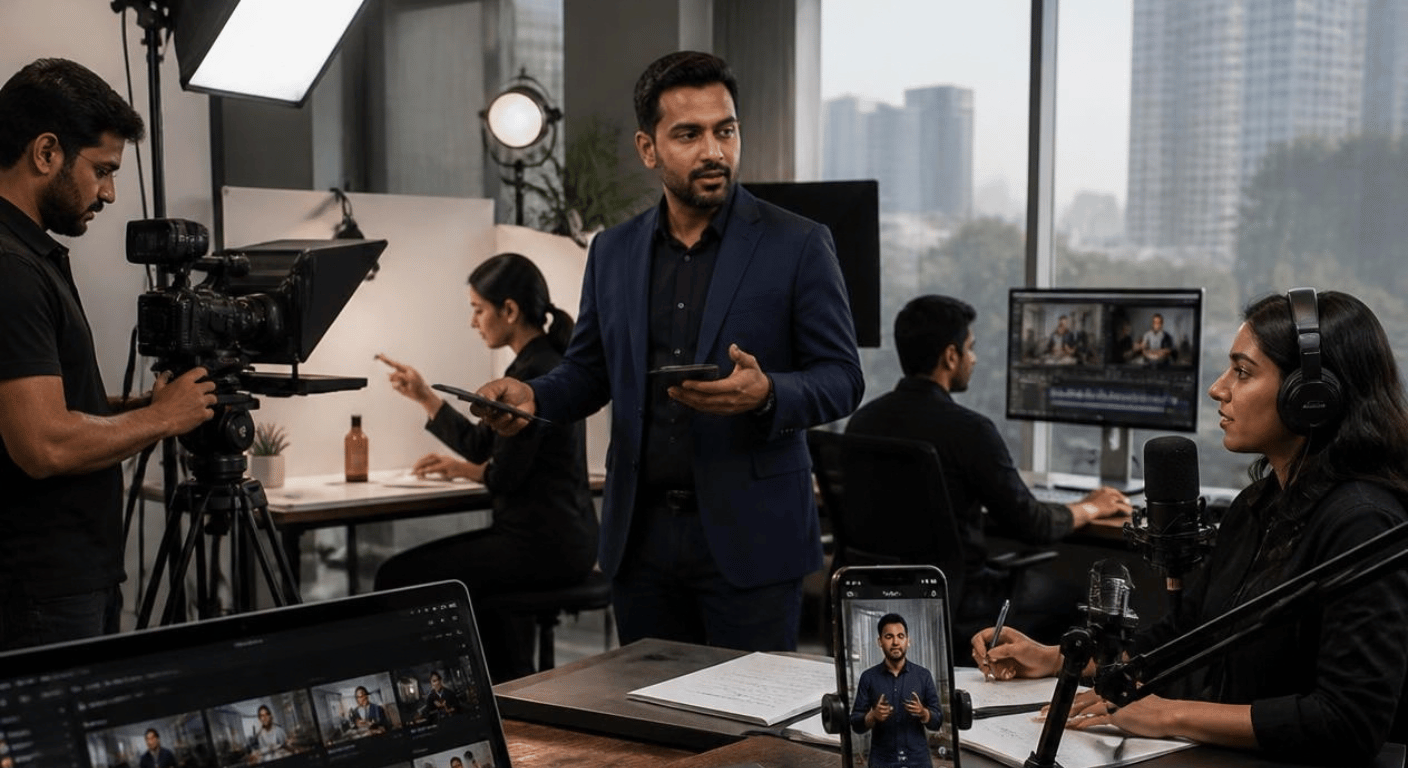
Creating one professional video can be useful for a business.
Creating a video content library can be even more valuable because it gives the business a collection of visual assets that can be used across different platforms, campaigns and stages of the customer journey.
Instead of arranging a new shoot every time the business needs a Reel, website video, product demonstration or social media clip, brands can plan a structured production session and create multiple types of video content together.
This approach can make content production more organised.
A video content library can include:
- Short-form Reels
- YouTube Shorts
- Product videos
- Brand introduction videos
- Founder videos
- Customer testimonials
- Behind-the-scenes footage
- Educational videos
- Product demonstrations
- Corporate videos
- Podcast clips
- B-roll footage
- Website videos
- Advertising creatives
- Event footage
The objective is not simply to collect hundreds of random video clips.
The objective is to build a useful, organised and reusable collection of video assets that represents the brand professionally.
MW Stuudio’s current video services include Reels, YouTube Shorts, brand films, corporate videos, real-estate walkthroughs, testimonial videos and advertising content, along with complete post-production.
1. What Is a Video Content Library?
A video content library is an organised collection of video assets that a business can use for its marketing, communication and digital channels.
It can contain both finished videos and selected raw footage.
For example:
Finished Content
- Instagram Reels
- YouTube Shorts
- Product videos
- Brand videos
- Testimonials
- Educational videos
Supporting Footage
- Product close-ups
- Office footage
- Founder portraits
- Team interactions
- Product demonstrations
- Lifestyle B-roll
- Production processes
Brand Assets
- Logo animations
- Intro/outro elements
- Background footage
- Branded motion graphics
- Product animations
Having these assets organised makes it easier for a business to create future content without starting every production from zero.
2. Why Businesses Need a Video Content Library
Businesses increasingly communicate through video.
A single video may appear on:
- Website
- YouTube
- Advertising platforms
- Product pages
- Presentations
- Email campaigns
Without a content library, businesses may repeatedly arrange new shoots for small content requirements.
A planned library gives the team more options.
For example, a brand video shoot could produce:
- One main brand film
- Five short clips
- Ten B-roll sequences
- Founder photographs
- Product demonstrations
- Behind-the-scenes footage
Those assets can then support future content.
The library therefore becomes a long-term content resource rather than a collection of files that are used once and forgotten.
3. Start With Your Business Goals
Before planning a video shoot, identify what the business actually needs the videos to accomplish.
Possible goals include:
- Introducing the brand
- Explaining a service
- Demonstrating a product
- Educating customers
- Building founder visibility
- Showing company culture
- Supporting e-commerce
- Creating social media content
- Building YouTube content
- Supporting advertising campaigns
Different objectives require different video formats.
For example, a product demonstration needs a different approach from a founder interview.
A corporate introduction video requires different footage from a 20-second Reel.
Planning the objective first helps determine what should be filmed.
4. Identify Your Main Video Content Categories
Some common categories include:
Brand Videos
Introduce the business, its story, people and values.
Product Videos
Show products from different angles and demonstrate their features.
Educational Videos
Answer customer questions and explain industry topics.
Founder Videos
Give the brand a human voice.
Testimonial Videos
Show customer experiences.
Behind-the-Scenes Videos
Show the process behind the business.
Short-Form Videos
Create concise content for social platforms.
B-Roll
Capture supporting footage that can be reused in future videos.
Creating categories at the planning stage makes the production process easier.
5. Plan a Batch Video Shoot
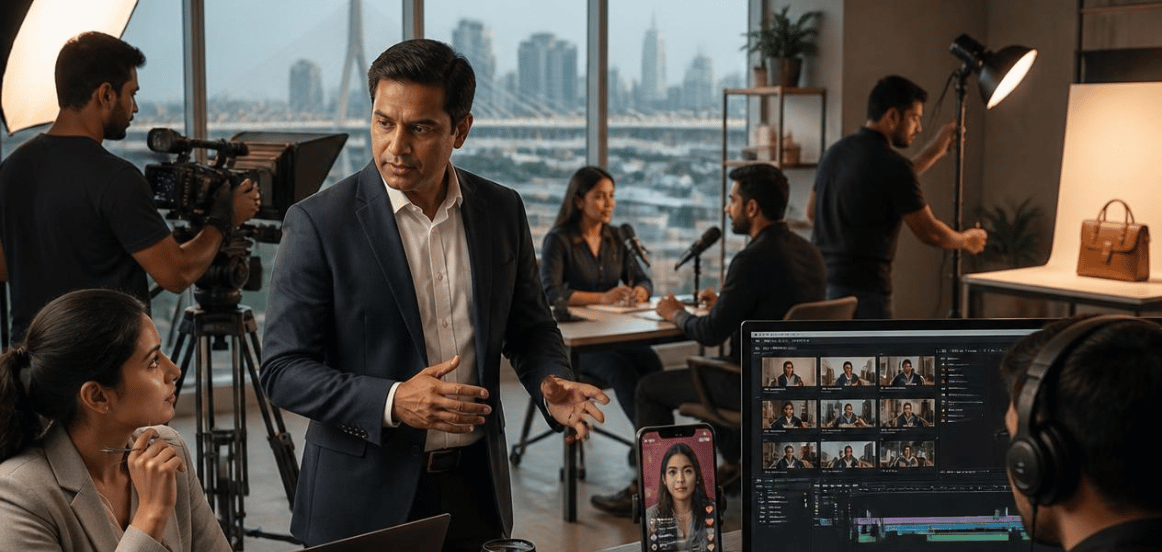
One of the most practical ways to build a content library is through batch production.
Instead of producing one video at a time, businesses can prepare multiple topics and record them during one organised shoot.
For example:
One full-day shoot
Could include:
- 8 educational Reels
- 4 product videos
- 3 founder videos
- 2 customer-focused videos
- 1 brand introduction video
- B-roll footage
The exact output depends on the complexity of each production.
The key is to prepare everything before the shoot.
MW Stuudio’s current Reel production workflow specifically describes batch sessions involving pre-production planning, topics, hooks, shot lists, shooting and complete post-production.
6. Create a Video Shot List
A shot list tells the production team what needs to be captured.
Without a shot list, important footage can easily be missed.
A shot list might include:
Founder
- Sitting interview
- Standing introduction
- Walking shot
- Working at desk
- Talking to team
- Product interaction
Product
- Front angle
- Side angle
- Close-up
- Product in use
- Packaging
- Lifestyle shot
Business Environment
- Office exterior
- Workspace
- Team interaction
- Customer interaction
- Production process
B-Roll
- Hands working
- Product close-ups
- Camera movements
- Workspace details
- Team discussions
A detailed shot list can save time during editing because the production team already knows what material is available.
7. Create Different Video Lengths
A video library should not contain only one video length.
Different platforms and communication requirements need different formats.
You could create:
10–20 Seconds
Short hooks and quick product moments.
20–60 Seconds
Reels, Shorts and educational clips.
1–3 Minutes
Product demonstrations and concise explanations.
3–10 Minutes
Educational videos, interviews and detailed demonstrations.
10+ Minutes
Podcasts, interviews, webinars and long-form YouTube content.
Having different lengths gives the business more flexibility when distributing content.
MW Stuudio currently produces both short-form content such as Reels and YouTube Shorts and longer-form formats such as brand and corporate videos.
8. Record Vertical and Horizontal Footage Strategically
Different platforms use different formats.
Vertical video is commonly used for short-form platforms.
Horizontal video is useful for:
- Websites
- YouTube
- Presentations
- Corporate videos
- Some advertising formats
If a business knows where the content will be used, framing can be planned before recording.
For example, a Reel may require a 9:16 composition.
A website hero video may need a wider horizontal composition.
Some productions may benefit from capturing both perspectives where practical.
The important thing is to decide this before the shoot, not after.
MW Stuudio’s current Reel workflow includes 9:16 1080p exports for Instagram Reels and YouTube Shorts.
9. Build a B-Roll Library
B-roll is supporting footage that can be used alongside the main video.
Examples include:
- Walking into an office
- Opening product packaging
- Using a product
- Typing on a laptop
- Talking with customers
- Working with a team
- Product close-ups
- Camera movements
- Office environment
- Manufacturing or preparation process
B-roll is extremely useful during editing.
Suppose a founder says:
“We have been working on this product for three years.”
Instead of showing the founder speaking continuously, the editor could show footage of the product, team and production process.
This can make the final video more visually dynamic.
10. Capture Founder and Personal Branding Content
Founders are often an important part of a business’s identity.
A single founder shoot can create multiple assets.
For example:
- Founder introduction
- Industry advice
- Frequently asked questions
- Company story
- Customer problems
- Product explanation
- Behind-the-scenes videos
- Personal-brand photographs
Instead of recording only one introduction video, prepare a list of questions or topics and capture several pieces of content during the same session.
This can create a substantial founder-content library.
Conclusion
The most important part is not simply having a large number of videos.
It is having the right videos, organised in a way that makes them easy to find, edit, repurpose and publish.
A well-planned production session can create assets for weeks or months of communication, depending on the business and publishing schedule.
And when video production is connected with photography, podcasts, post-production, website development and digital marketing, the content library can become part of a much broader brand ecosystem.
The goal is simple:
Don’t create one video at a time. Build a video library that your business can keep using.