
Launching a new product involves much more than preparing inventory, setting a price and publishing a product page. Before customers can make an informed decision, they need to understand what the product looks like, how it works, what makes it different and how it fits into their lives.
This is where a carefully planned product photography campaign for a new product launch becomes valuable. Professional product images can help businesses communicate product features, establish a consistent visual identity and prepare marketing assets for multiple platforms.
However, an effective campaign should not begin with a camera. It should begin with a clear understanding of the product, the target audience, the launch objectives and the visual information customers need.
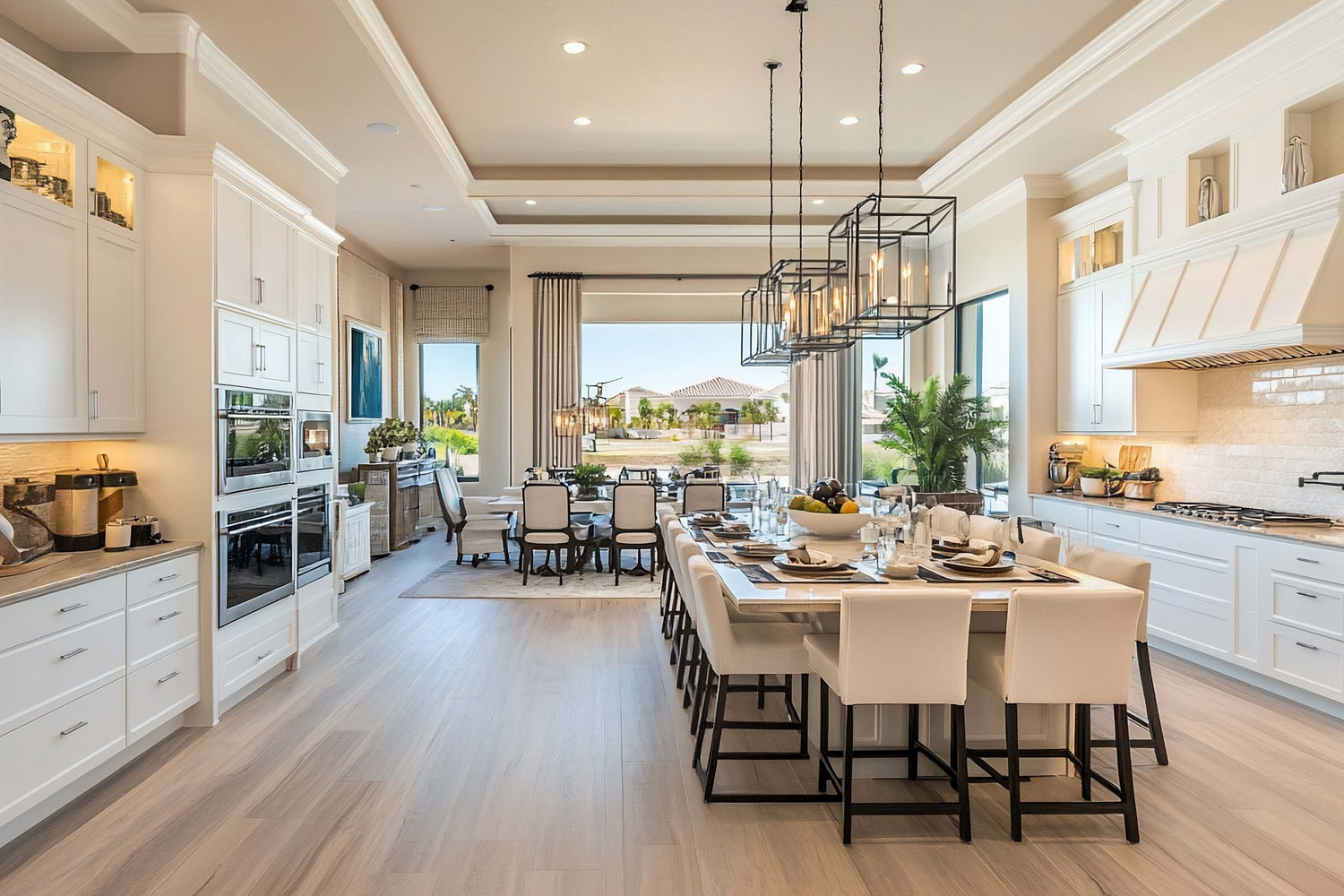
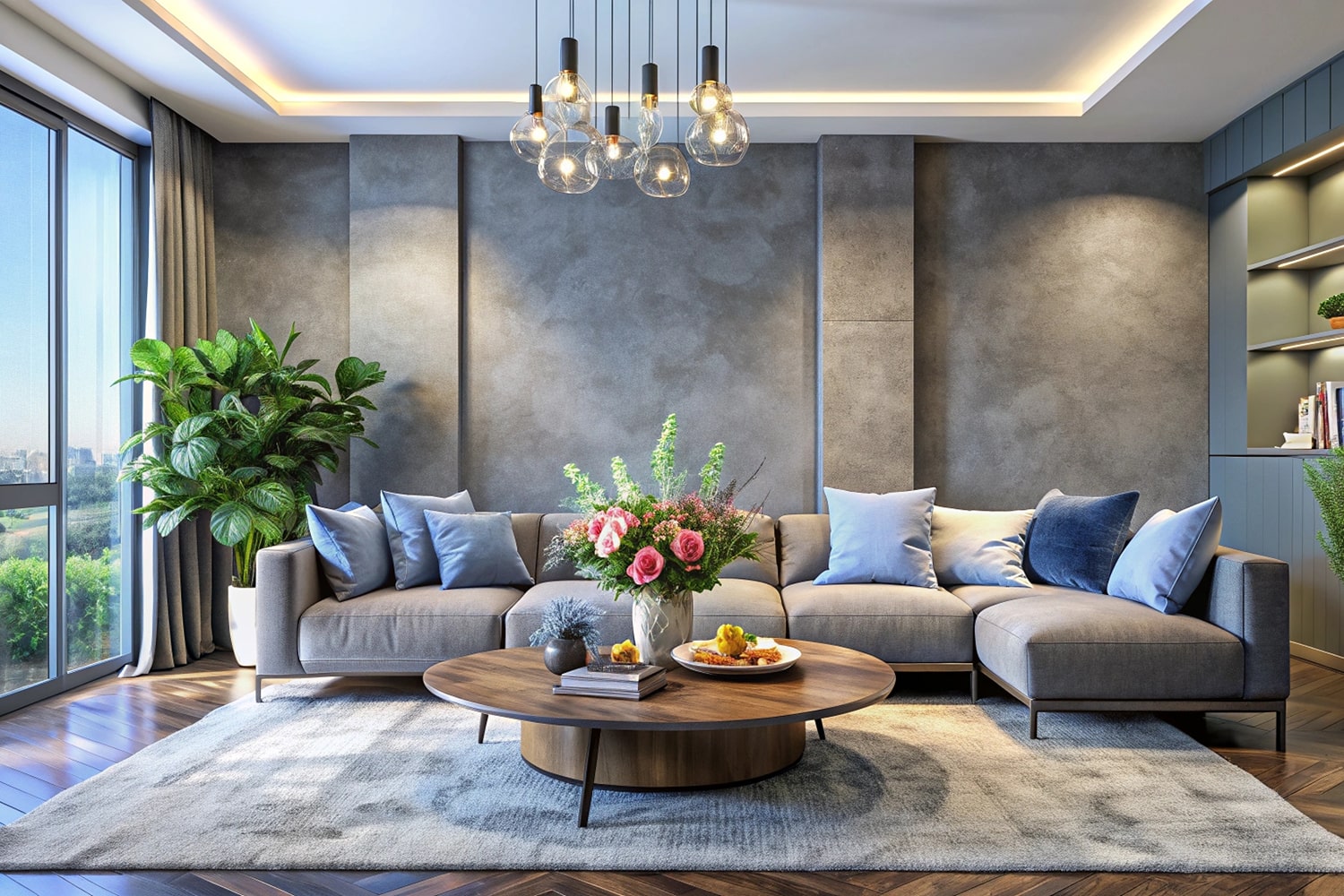
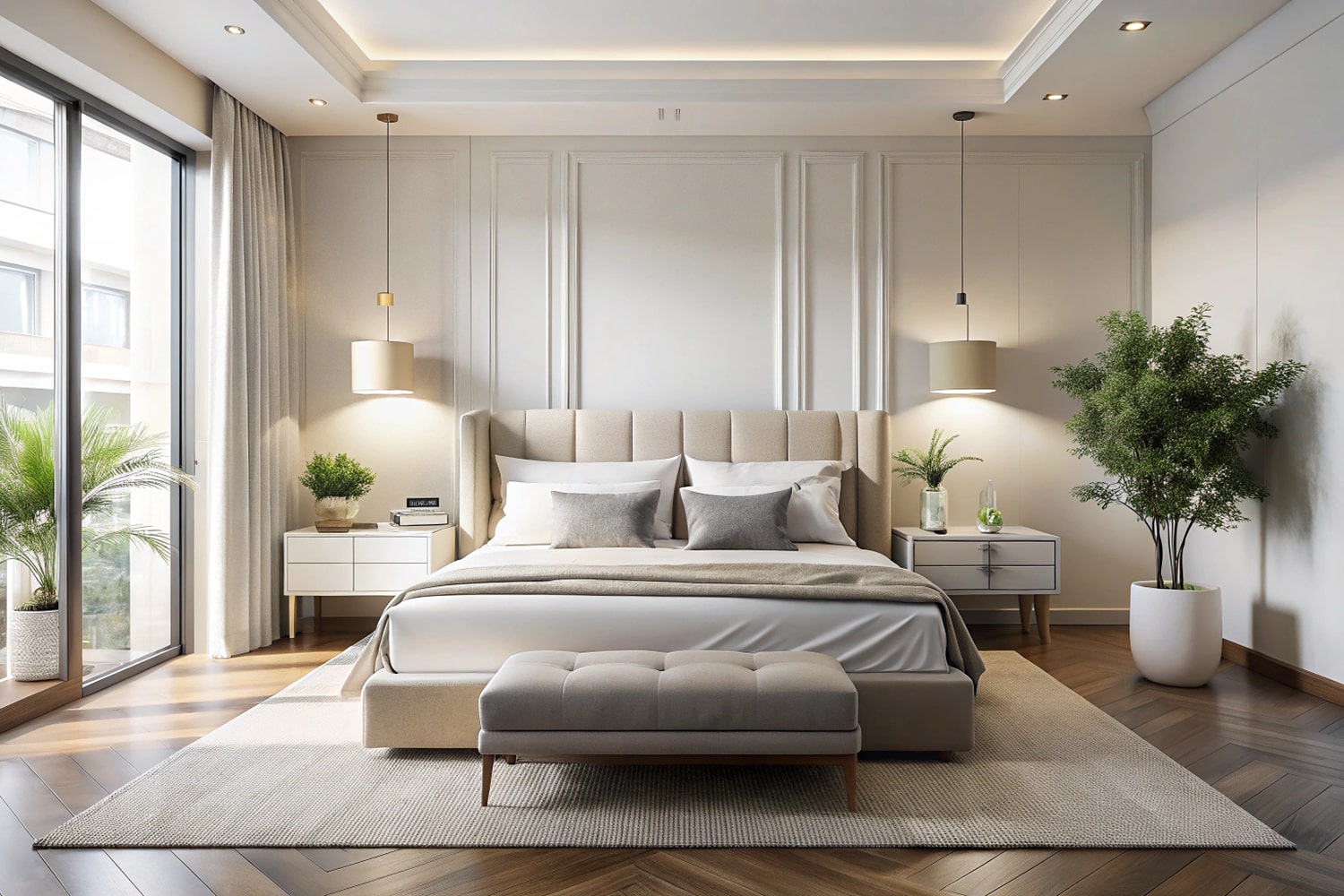
For example, an online jewellery brand may need detailed photographs that highlight craftsmanship, while a home decor business may require lifestyle images that show how a product looks in a real interior. A technology company may need clean catalogue images alongside photographs that explain product features.
Each business has different requirements, which means its photography campaign should be planned accordingly.
MW Stuudio provides product photography, e-commerce photography, video production and post-production services in Mumbai. These capabilities can support businesses that need to prepare visual content for websites, online marketplaces, social media and advertising campaigns. You can explore its product photography services to understand the available options.
The following 15 steps explain how businesses can organise a product photography campaign that supports a new launch from initial planning to final content delivery.
1. Start With a Clear Product Photography Campaign Objective
Before planning the shoot, identify what the business wants the photography campaign to accomplish.
A product launch may focus on introducing a new product category, promoting a seasonal collection, reaching a new audience or presenting an upgraded version of an existing product. Each objective can influence the type of photography required.
For example, a brand introducing a premium skincare range may prioritise packaging, texture, ingredients and lifestyle presentation. A company launching a new electronic accessory may need photographs that clearly show its design, dimensions, connectivity and included components.
Start by answering three questions:
- What is the main purpose of the launch?
- Who needs to see the product?
- What should customers understand after viewing the images?
These answers help determine the campaign’s creative direction and deliverables.
It is also useful to identify where the images will appear. A product page, advertising campaign, social media announcement and email newsletter may require different compositions and dimensions.
When the objectives are clear, the photography team can prioritise the most important images instead of producing photographs without a defined purpose.
2. Understand the Product’s Target Audience
A photography campaign should communicate with the people most likely to purchase the product.
Different audiences look for different information. A customer shopping for jewellery may want to inspect the finish, stone details and size. Someone considering a kitchen appliance may want to understand its dimensions, controls and practical use.
Understanding these expectations helps businesses choose suitable angles, backgrounds, props and settings.
Consider the following questions before the shoot:
- What problem does the product solve?
- Which features are most important to potential buyers?
- What concerns might customers have before purchasing?
- Does the audience respond better to minimal or lifestyle-oriented visuals?
- Would photographs featuring people help explain the product?
- Are material, size, colour or packaging important purchase considerations?
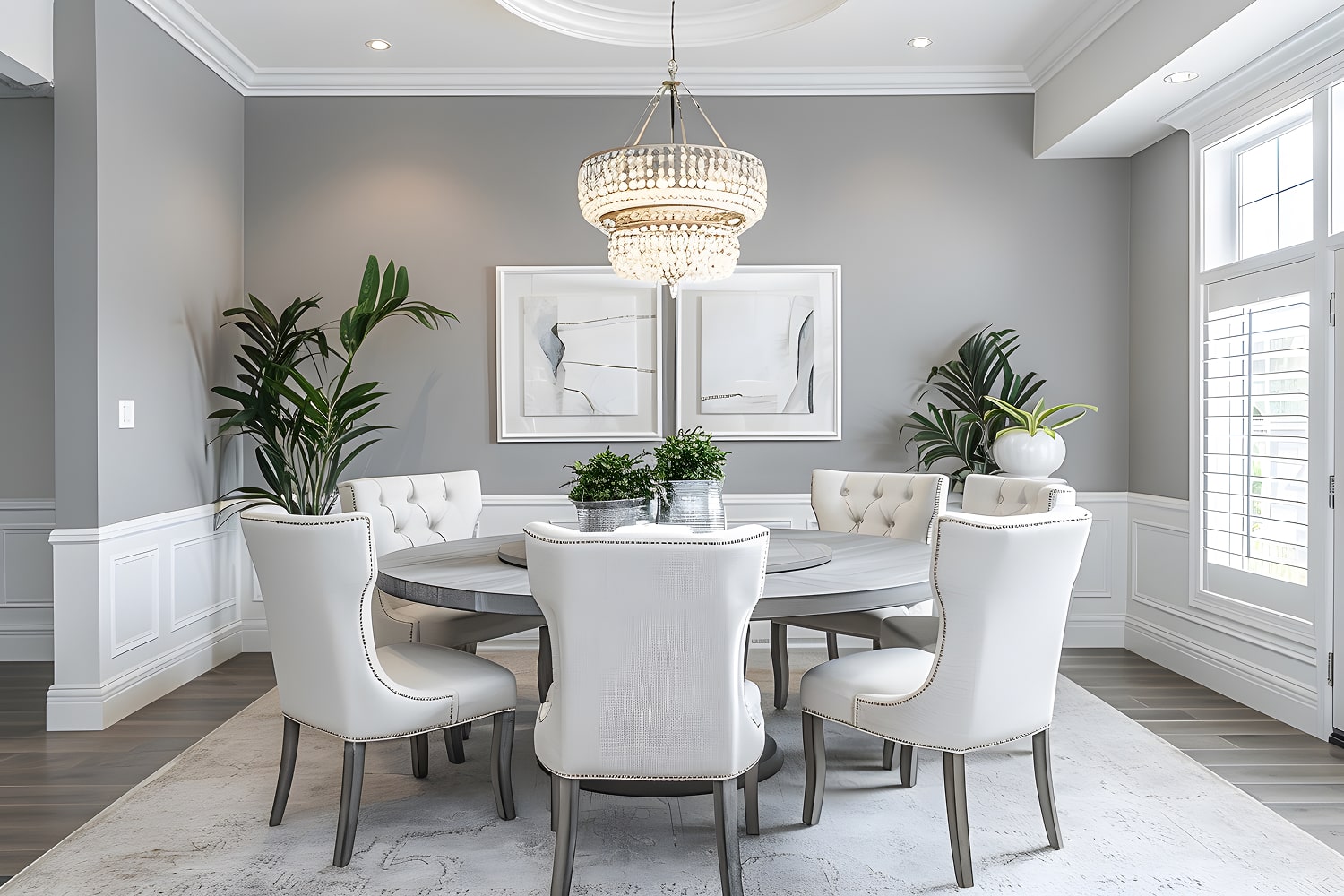
For instance, a premium stationery brand may use clean, colourful product arrangements to appeal to students and creative professionals. A luxury home decor brand may prefer restrained styling and sophisticated interior settings.
The goal is to make the product understandable and relevant to the intended audience.
When customer needs guide the creative process, every photograph has a clearer purpose. Instead of simply displaying an object, the image helps communicate why the product may be useful or appealing.
3. Build a Complete Product Photography Shot List
A shot list is one of the most useful planning documents for a professional photoshoot. It identifies the images required for each product and helps the production team avoid missing important details.
Without a shot list, a team may spend too much time on creative photographs while overlooking essential catalogue images or packaging details.
A product photography shot list can include:
- Main product image
- Front, back and side views
- Close-up photographs of important features
- Material and texture details
- Product dimensions or scale references
- Packaging and included accessories
- Lifestyle photographs
- Product-in-use images
- Advertising compositions
- Website banner images
The exact list depends on the product category and campaign requirements.
For example, a handbag shoot may need front, rear, side, interior and stitching details. A skincare campaign may require bottle photography, packaging shots, product texture and carefully styled bathroom or vanity scenes.
Organise the shot list by product SKU, image type, priority and intended platform. If a product has multiple colours or sizes, identify the variations that must be photographed.
This makes the production process easier to manage and provides a clear checklist during the shoot.
4. Establish a Visual Direction Before Production
A product launch needs a visual style that matches the brand and the product’s positioning.
Before photography begins, decide whether the campaign should feel minimal, luxurious, energetic, natural, playful, technical or lifestyle-focused.
The visual direction influences nearly every production decision, including lighting, backgrounds, props, composition and colour treatment.
For example, a premium fragrance campaign might use dramatic lighting, reflective surfaces and elegant styling. A sustainable homeware brand may prefer natural materials, soft daylight and earthy backgrounds. A sports accessory launch could use energetic compositions and action-oriented settings.
A mood board helps communicate these decisions to everyone involved in the campaign.
It may include:
- Reference photographs
- Background and surface ideas
- Lighting examples
- Colour palettes
- Prop suggestions
- Composition references
- Lifestyle settings
- Retouching preferences
The mood board should guide the creative process rather than encourage exact copying of another brand’s work.
It is also important to confirm that the visual direction works across the intended platforms. A creative photograph may look excellent in a large banner but become difficult to understand when cropped for a small mobile screen.
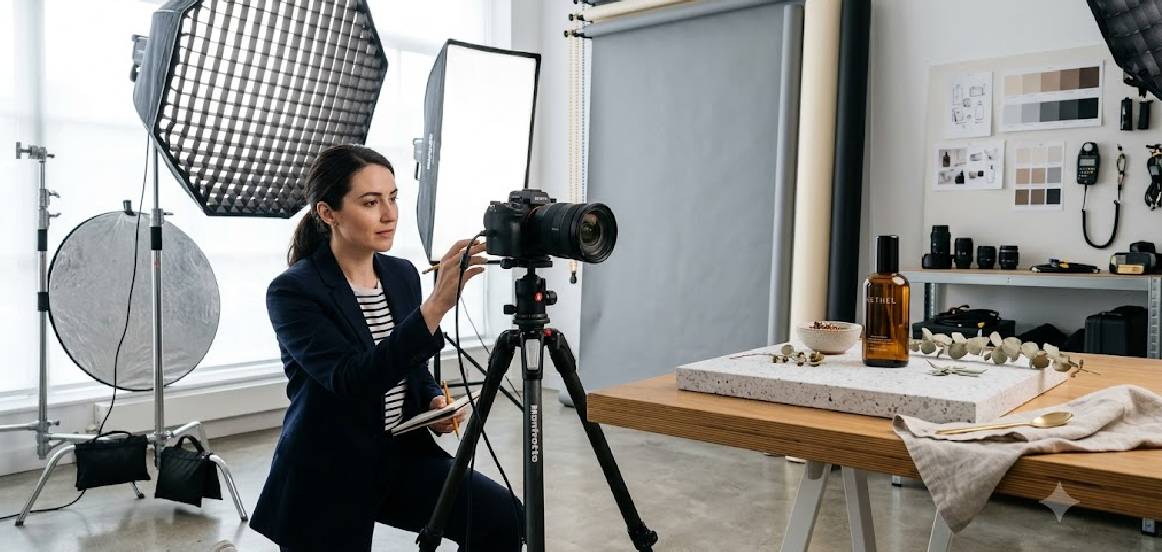
5. Prepare Every Product Before the Shoot
Product preparation can significantly affect the final image quality and the amount of time required during production.
Dust, fingerprints, creases, damaged packaging and incorrectly assembled components can become noticeable under studio lighting. Fixing these problems after the shoot may require additional editing or a reshoot.
Prepare products according to their material and category.
For clothing, check fit, remove unwanted creases and arrange garments properly. For jewellery, clean surfaces and inspect clasps, stones and metal finishes. For electronics, check screens, buttons, accessories and protective coverings. For packaged products, make sure labels and packaging are aligned correctly.
The preparation checklist should also include:
- Confirming the final approved product version
- Checking colour and size variations
- Counting the available units
- Preparing replacement samples where possible
- Gathering accessories and packaging
- Identifying fragile components
- Reviewing product styling requirements
If multiple products are involved, label them clearly before the shoot.
It is also useful to prepare spare samples for products that are easily scratched, damaged or difficult to clean.
Good preparation allows the photographer and stylist to spend more time creating the required images rather than correcting preventable problems during the session.
6. Choose the Right Photography Setup
The shooting environment should match the product, creative direction and number of images required.
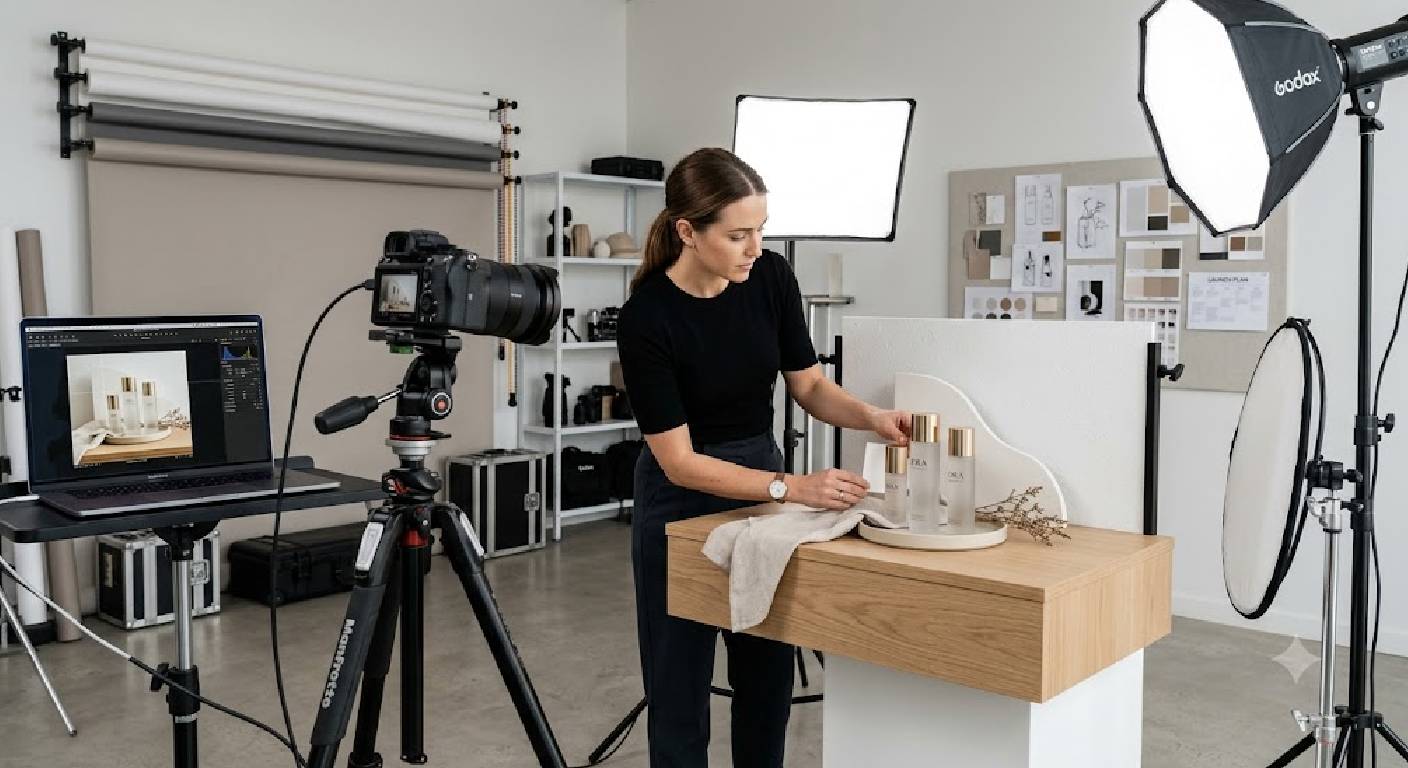
A controlled photography studio can be useful when consistent lighting, clean backgrounds and repeatable compositions are priorities. An on-location shoot may be more suitable when the product needs a specific environment or authentic real-world context.
Some campaigns benefit from combining both approaches.
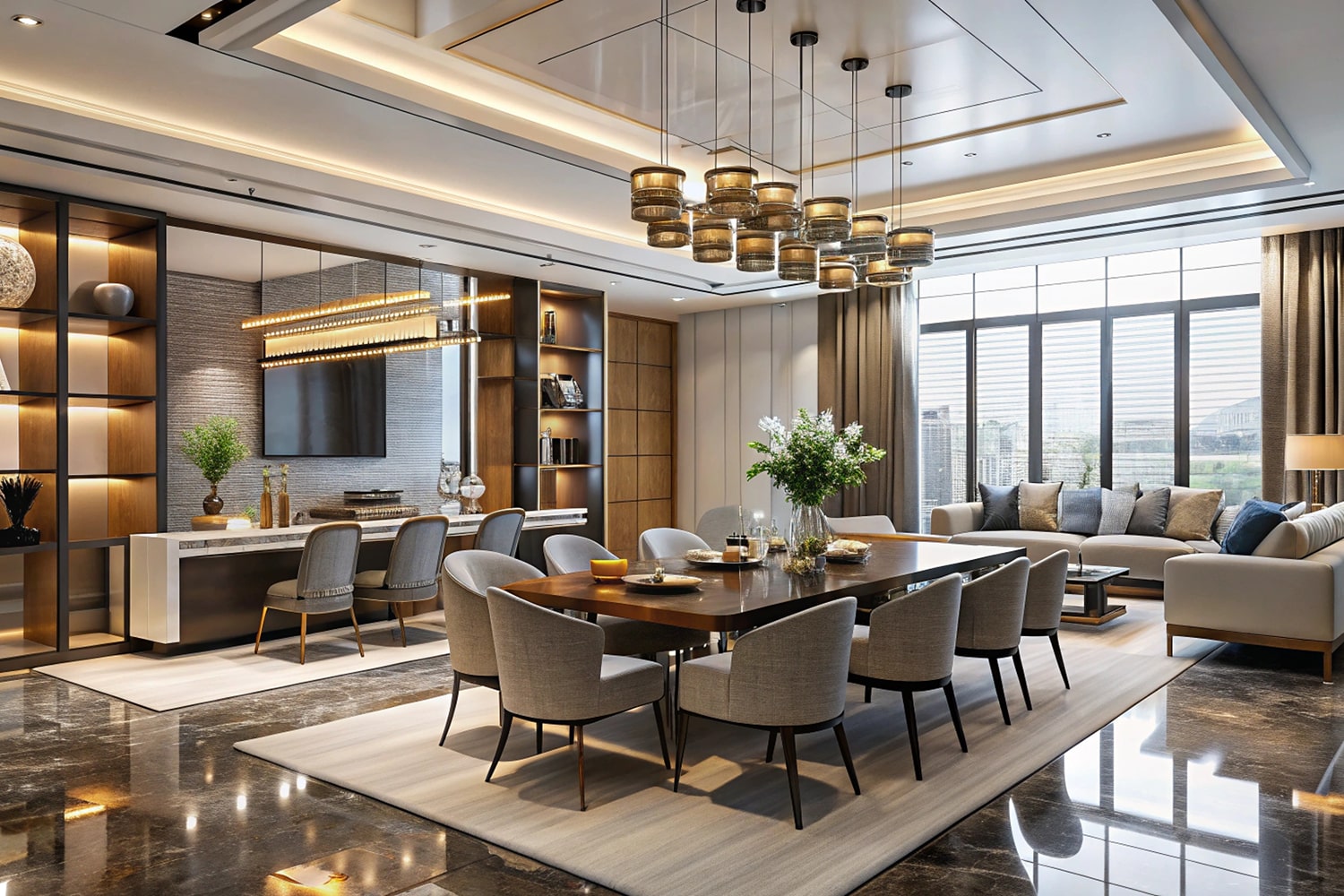
For example, a furniture brand might capture clean product details in a studio and then photograph selected pieces in a furnished interior. A fashion business might create catalogue images in a controlled setup and lifestyle images at a suitable location.
Consider these factors when choosing the setup:
- Product size and weight
- Lighting requirements
- Available space
- Background and prop requirements
- Need for models or additional crew
- Number of products
- Accessibility and transportation
- Production schedule
Reflective products, large furniture, food and delicate objects may require different equipment and styling arrangements.
The right setup is not necessarily the most elaborate one. It is the environment that makes it possible to achieve the required visual quality efficiently.
MW Stuudio offers photography studio rental in Mumbai as well as photography and production services that businesses can consider when planning their shoots.
7. Plan Lighting Around the Product’s Material
Lighting is not simply about making a product bright enough. It helps communicate shape, texture, finish, colour and quality.
Different materials respond differently to light. Glass and metal may create strong reflections, while fabric and paper can require lighting that reveals texture without creating distracting shadows.
Before production, identify the lighting challenges associated with the product.
For glossy packaging, the team may need to control reflections and bright highlights. For jewellery, lighting must reveal the design while managing reflections from metal and gemstones. For textiles, softer directional light may help show weave and surface detail.
Lighting should also remain consistent across related product images. If the same product collection is photographed under noticeably different conditions, its catalogue may appear visually disconnected.
Where practical, establish a repeatable lighting setup for similar products. This can improve consistency and make the shoot more efficient.
It is also worth reviewing test photographs before the main session begins. Small adjustments to light position, diffusion or product angle can sometimes solve problems before dozens of images are captured.
A suitable lighting plan helps the photographer achieve a polished result while preserving important product details.
8. Capture Accurate and Consistent Catalogue Images
Catalogue photography is often the foundation of an e-commerce product launch.
These images help customers identify the product and compare its appearance with other options. Consistency is especially important when a business launches several products within the same collection.
Aim for uniform framing, reliable colour representation, appropriate exposure and sharp product details.
For a product range, decide in advance:
- Which angle will be used as the primary view
- How much space the product should occupy in the frame
- Which background will be used
- How shadows should appear
- Whether all products need the same number of angles
- Which file dimensions and formats are required
Marketplace requirements should be checked before production because specifications can vary by platform and product category. A main listing image may have different background, framing and content restrictions from a lifestyle image or advertising creative.
Do not assume that one image format or composition will suit every channel.
For products with several colours or variants, consistency becomes particularly important. Customers should be able to compare the available options without being distracted by differences in lighting or framing.
A well-organised catalogue image set creates a dependable visual foundation for the rest of the launch campaign.
9. Use Lifestyle Photography to Show the Product in Context
Catalogue images provide clarity, but lifestyle photography can help customers imagine how a product fits into everyday life.
Lifestyle photographs place products in relevant environments, activities or situations. They can communicate scale, usage, atmosphere and the experience associated with a product.
For example, a home fragrance product could be photographed on a carefully styled bedside table. A backpack could be shown during a commute or outdoor activity. A kitchen accessory could appear in a functional kitchen environment.
Lifestyle photography can be especially useful when the product’s appeal depends on how it is used or how it fits into a particular setting.
However, the setting should not distract from the product. Props, people, colours and backgrounds should support the intended message.
Before the shoot, decide whether the images should feel aspirational, practical, everyday or editorial. This decision helps determine the location, styling and lighting.
Businesses should also consider where these images will be used. Wide lifestyle compositions may suit website banners, while tighter vertical photographs may be more appropriate for mobile-first social media placements.
Combining lifestyle photography with clear catalogue images gives customers both product information and visual context.
10. Create Dedicated Images for Marketing Channels
A common planning mistake is to capture photographs only for the product listing and assume the same images will meet every marketing requirement.
In practice, different channels have different visual needs.
A website product page may require square catalogue images and detailed views. A homepage banner may need a wide composition with space for design elements. Social media campaigns may require vertical photographs, close-up details or more expressive styling.
These are general recommendations, so final dimensions and file specifications should be checked for each platform and placement.
If a designer needs empty space for a headline or promotional message, communicate this requirement before the shoot. It is easier to compose the image correctly during production than to force an unsuitable crop later.
Planning channel-specific assets helps businesses use the campaign more effectively across their launch marketing.
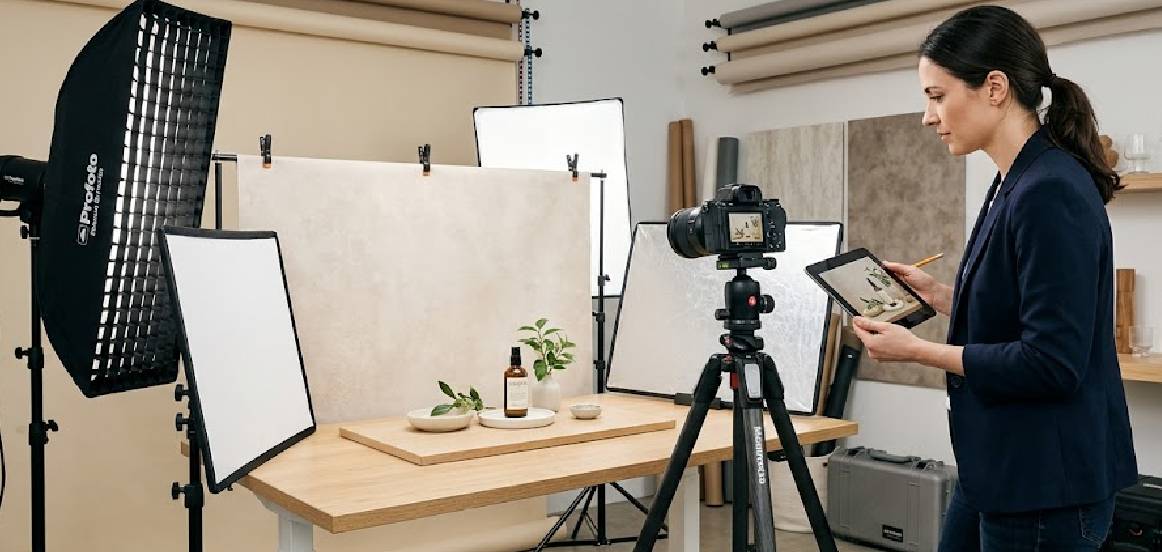
11. Coordinate Product Photography With Video Production
Product photography and video can complement each other during a launch campaign.
Photographs help customers examine details quickly, while video can demonstrate movement, functionality, scale or product usage.
When both formats are needed, coordinating their production can help maintain a consistent visual style. The same product styling, background choices and lighting direction may be used across several assets.
Depending on the product, a combined shoot could produce:
- Main catalogue photographs
- Lifestyle images
- Product demonstration clips
- Short-form social videos
- Website product videos
- Advertising footage
- Behind-the-scenes content
For example, a kitchen appliance launch may require still images showing the appliance’s design and a demonstration video showing how it operates.
A fashion collection might combine model photographs with short videos showing movement, fabric and styling.
Not every product requires video, and combined production is not always the most practical option. The decision should depend on the campaign objectives, budget and intended channels.
When video is required, prepare a separate shot list and schedule enough time for both formats.
MW Stuudio also provides video shoot and editing services that can support brands planning photography and video content for a campaign.
12. Plan Post-Production and Image Retouching
Post-production turns captured photographs into finished assets ready for their intended use.
The required work depends on the product, the shooting conditions and the final deliverables. Some images may need only colour and exposure adjustments, while others may require detailed retouching.
Typical post-production tasks include:
- Colour correction
- Exposure and contrast adjustments
- Background cleanup
- Dust and minor mark removal
- Reflection and shadow refinement
- Appropriate product retouching
- Cropping and resizing
- Sharpening
- File-format preparation
- Final quality checks
Product colour accuracy deserves particular attention. The edited photograph should represent the actual product as faithfully as practical, rather than making it look attractive by changing important colours or materials.
Retouching should also be consistent across the product range. Similar images should use comparable colour treatment, background appearance and visual standards.
Before editing begins, agree on the retouching expectations and identify any special requirements.
It is helpful to review a sample of edited images before the entire batch is processed. This gives the business an opportunity to confirm the look and correct issues early.
MW Stuudio offers post-production alongside photography, including image editing and preparation for different uses. Businesses can discuss the required level of retouching during the production brief.
13. Create a Realistic Production and Launch Timeline
The photography schedule should be connected to the product launch date.
If final images are delivered too late, the marketing team may not have enough time to upload product pages, prepare advertisements, design promotional graphics or schedule social media content.
Work backwards from the launch date and assign time to each stage.
A typical schedule might include:
- Planning: Confirm objectives, platforms and deliverables.
- Pre-production: Finalise shot lists, products, styling and equipment.
- Photography: Capture the agreed images.
- Review: Check coverage and identify missing photographs.
- Post-production: Edit, retouch and prepare final files.
- Approval: Review the finished images and request agreed corrections.
- Delivery: Organise and transfer the final assets.
- Publishing preparation: Upload and prepare content for launch.
The time needed will vary depending on the number of products, complexity of the shoot and editing requirements.
Include contingency time for product delays, damaged samples, additional approvals and unexpected production issues.
It is also useful to identify who has final approval authority. When several stakeholders provide conflicting feedback, approvals can take longer than expected.
A realistic timeline helps the photography team and marketing team work toward the same deadline.
14. Organise Final Files for Easy Marketing Use
A photography campaign can produce hundreds of images, particularly when several products, colours, angles and creative concepts are involved.
If the files are delivered without a clear structure, the marketing team may struggle to find the correct photograph when updating a product page or preparing an advertisement.
Agree on a file-naming and folder structure before the shoot.
For example:
- Product SKU
- Product name or variant
- Image angle
- Image type
- Intended channel, where necessary
A folder structure might look like this:
Product A / Catalogue / Lifestyle / Details / Social Media
For multiple products, the same structure can be repeated consistently.
The delivery brief should also specify image formats, dimensions, colour requirements, file-size limits and whether web-optimised versions are needed. Keep high-resolution master files separate from versions prepared for specific online uses.
Check that every agreed image has been delivered and that filenames correspond to the correct product variant.
If the brand uses a content management system or digital asset library, organise the files so they can be imported without unnecessary manual work.
A clear delivery structure makes the photography more useful long after the initial launch.
15. Evaluate the Campaign and Build a Reusable Visual Library
The final step is to review whether the photography campaign delivered the assets required for the launch.
Start by comparing the delivered images with the original shot list. Confirm that every priority product, variant, angle and marketing placement has been covered.
Then review the images in the context where they will be used. A photograph may look good on a large monitor but lose important details when displayed in a small product thumbnail.
Consider checking:
- Product visibility and clarity
- Consistency across the collection
- Correct representation of colours and materials
- Platform-specific image requirements
- Quality of retouching
- Missing angles or variants
- Suitability for planned marketing placements
- File organisation and delivery completeness
After the launch, the business can also review which types of images were most useful across its marketing activities. Website engagement, product-page behaviour, advertising results and customer questions may provide useful information for future photography decisions.
These observations should guide future creative planning rather than being treated as proof that photography alone caused a particular business outcome.
Save the final approved photographs, original files where agreed, retouching references and visual guidelines in an organised library.
This library can support future campaigns, product updates, seasonal promotions and website changes. It also helps maintain visual consistency as the brand introduces new products.
A photography campaign becomes more valuable when its assets remain organised and useful beyond the launch date.
Conclusion
Planning a product photography campaign for a new product launch requires coordination between product preparation, creative direction, photography, marketing requirements and post-production.
The process begins with a clear objective and an understanding of the target audience. From there, businesses can develop a detailed shot list, prepare products, choose an appropriate shooting environment, plan lighting and create consistent catalogue and lifestyle photographs.
The campaign should also account for the different ways images will be used. Website product pages, online marketplaces, social media, email campaigns and paid advertisements may each require different compositions and file specifications.
A realistic timeline, organised file delivery and a clear approval process help ensure that the final photographs are ready when the marketing team needs them.
Most importantly, businesses should think beyond the initial launch. An organised product image library can support future promotions, collection updates and additional marketing activities.
For brands preparing a product launch in Mumbai, working with a professional photography team can help bring these requirements together. MW Stuudio offers product photography, e-commerce photography, video production and post-production services that businesses can explore according to their campaign needs.
A well-planned campaign does more than create attractive images. It gives a business a consistent collection of visual assets that can help customers understand its products and support the brand’s communication across multiple digital channels.