
Creating social media content consistently can become a major challenge for businesses.
A company may know that it needs to post regularly, but producing fresh content every day can require significant planning, shooting, editing and coordination.
One practical solution is to stop thinking about content as individual posts.
Instead, think about content production as a system.
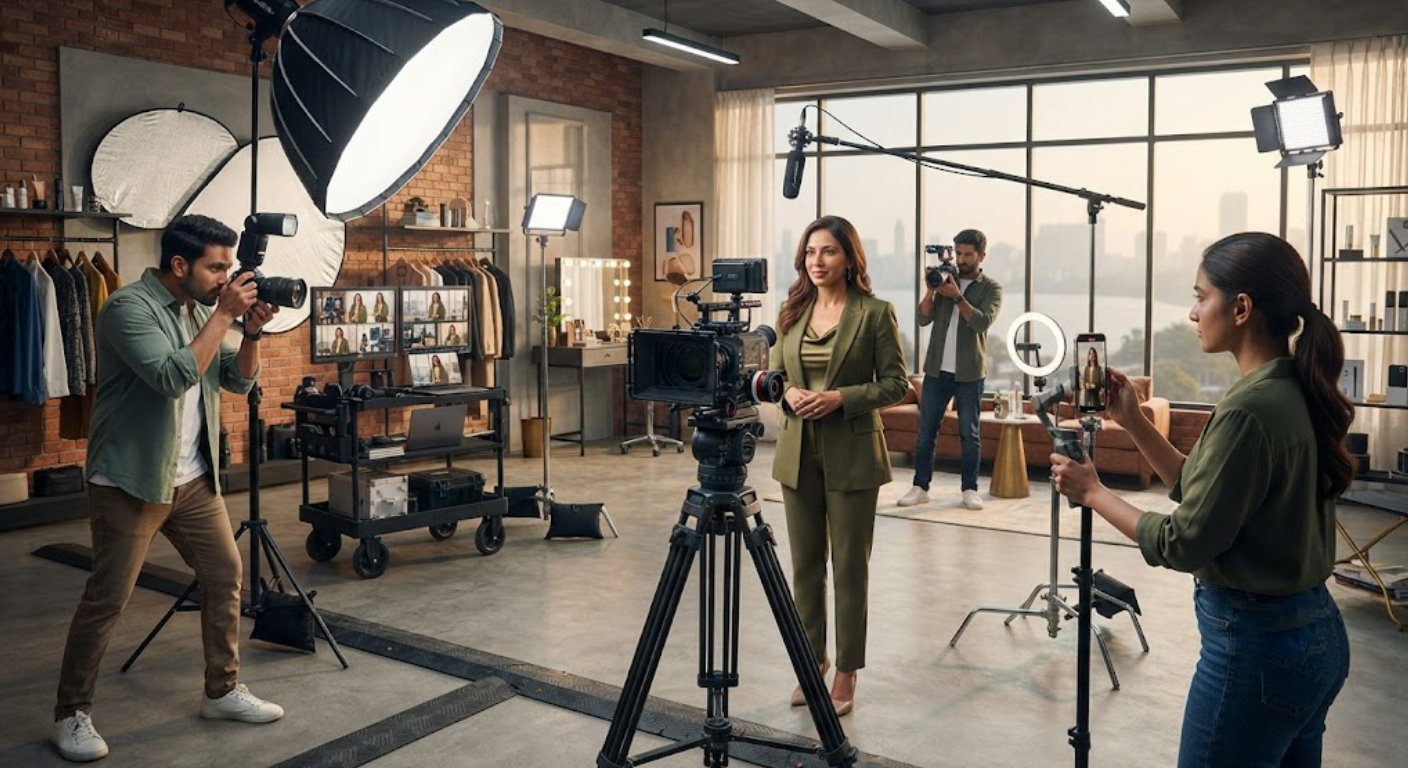
A single professional video shoot can generate a large collection of assets when the shoot is planned specifically for repurposing.
One long-form interview can become multiple short videos.
One founder recording session can produce educational Reels, quotes, clips and behind-the-scenes content.
A product demonstration can become product videos, feature clips, customer education content and promotional posts.
Even the photographs and unused video footage captured during the shoot can become additional social media assets.
The exact number of posts will depend on the length of the shoot, number of topics, recording quality, editing requirements and available footage. However, with careful planning, 30+ pieces of social media content from one production session can be a practical content target for some businesses.
The key is not simply recording a lot of footage.
The key is planning the shoot so that every major piece of content has multiple possible uses.
This guide explains how businesses can turn one professional video shoot into a month or more of social media content.
1. Stop Thinking About One Video as One Piece of Content
The first step is changing how you think about video production.
A common approach is:
One video = one social media post.
A more effective content-production approach is:
One recording session = multiple content assets.
For example, imagine a founder records a 20-minute discussion about their industry.
That recording may contain:
- Several educational points
- Common customer questions
- Personal experiences
- Industry opinions
- Business lessons
- Short stories
- Mistakes to avoid
- Practical tips
- Interesting statements
- Strong quotes
Each of these can become a separate content opportunity.
The original recording could remain as a longer video, while the most useful sections are edited into shorter clips.
Additional photographs can be used for static posts.
Behind-the-scenes footage can become Stories or Reels.
Strong statements can become quote graphics.
The same topic can also be rewritten into carousel content.
This is the foundation of content repurposing.
Instead of constantly creating something completely new, you create a strong core piece of content and distribute its useful ideas in different formats.
2. Start With a Content Strategy Before the Shoot
The biggest mistake businesses make is recording first and deciding what to do with the footage later.
Before the shoot, identify the content you want to create.
Start with your main content pillars.
For example, a digital marketing company might have:
- SEO education
- Social media marketing
- Website tips
- Business growth
- Digital advertising
A fitness business might use:
- Exercise education
- Nutrition tips
- Common mistakes
- Client education
- Motivation
A product brand might focus on:
- Product features
- Product demonstrations
- Customer problems
- Product benefits
- Frequently asked questions
Once the pillars are defined, prepare several topics under each pillar.
Content Planning Checklist
- Define your target audience.
- Identify your main content pillars.
- List common customer questions.
- Prepare educational topics.
- Prepare promotional topics.
- Identify founder stories.
- List product or service features.
- Prepare industry insights.
- Identify seasonal topics.
- Decide which platforms will receive the content.
This planning process gives the production team a clear direction.
3. Record Multiple Topics During the Same Shoot
Once the content pillars are ready, group multiple topics into one production session.
For example, a founder could record ten short educational topics in one day.
Each topic does not need to become a single final video.
One topic might produce:
- One main Reel
- Two shorter clips
- One quote
- One carousel
- One Story
- One photograph
That means the production value of each topic can extend beyond the original recording.
The key is to keep the recording process organized.
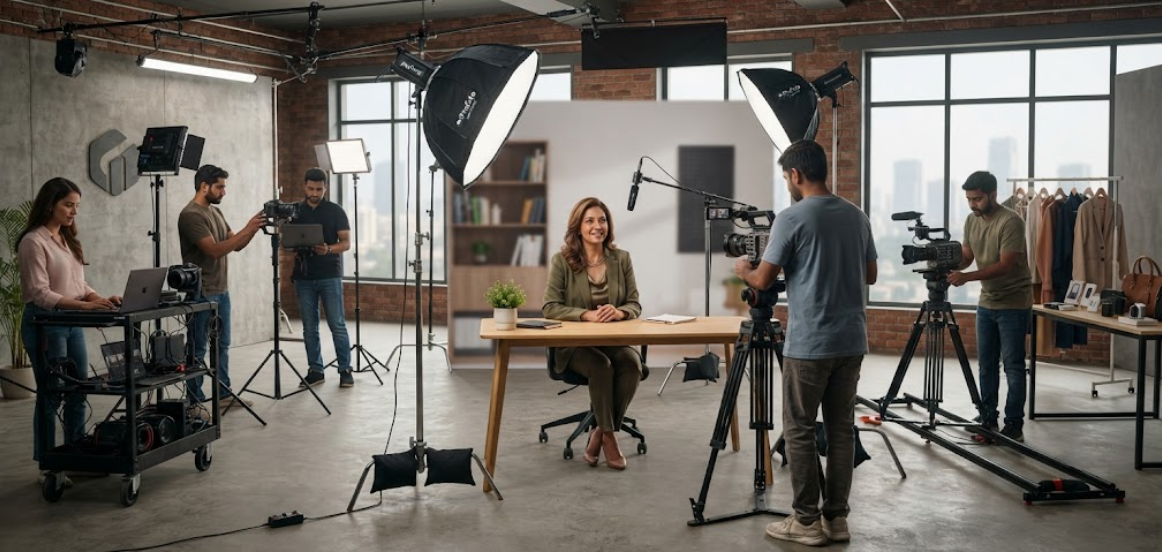
The founder should know what topic is being recorded next, while the production team should maintain consistent lighting, framing and audio.
Topics can also be grouped according to setup.
For example, record all seated interview content together, then move to standing product demonstrations, followed by lifestyle footage.
This reduces unnecessary setup changes.
4. Capture Short-Form Videos From Long-Form Recordings
Long-form recordings are valuable because they contain many individual ideas.
A 15–30 minute founder interview, educational discussion or podcast-style recording can provide multiple short-form clips.
Look for moments where the speaker:
- Gives a useful tip
- Answers a common question
- Explains a problem
- Shares a personal experience
- Gives a strong opinion
- Explains a mistake
- Provides a practical solution
- Tells a short story
- Makes an interesting observation
Each section can potentially become a separate short video.
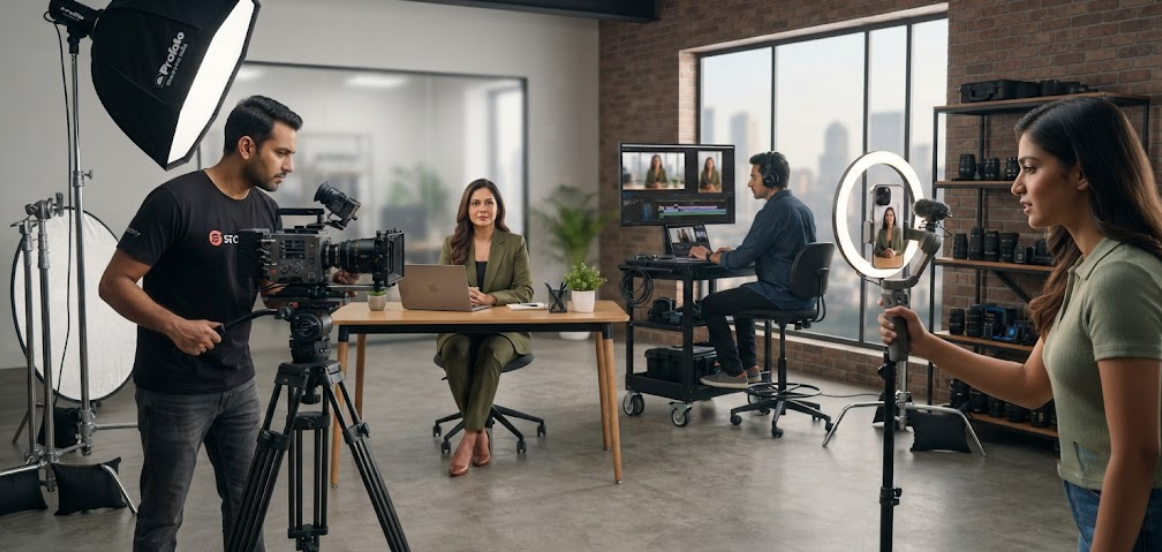
The editing team can remove pauses, tighten the delivery, add captions and format the clip for vertical platforms.
This approach makes the original recording much more valuable.
The objective is not to artificially split one sentence into dozens of pieces.
Each final clip should communicate a complete and useful idea.
5. Build Your 30+ Post Content Mix
Reaching 30+ posts does not mean creating 30 almost-identical Reels.
A stronger strategy is to create a mixture of content formats.
A single production session could potentially generate:
- 10–12 short-form video clips
- 4–6 educational Reels
- 3–5 founder or behind-the-scenes posts
- 3–5 quote-based posts
- 3–4 carousel concepts
- 3–5 photographs
- 2–4 promotional clips
The actual output will depend on the shoot and editing requirements.
The important point is content variety.
Different formats appeal to people in different ways.
Some followers may prefer short videos.
Others may save educational carousels.
Some may respond to founder stories or photographs.
A varied content library gives the business more ways to communicate.
Example 30+ Content Mix
- Founder introduction Reel
- Industry tip Reel
- Common mistake Reel
- Customer question Reel
- Educational Reel
- Product demonstration
- Founder story
- Industry insight
- FAQ clip
- Myth vs fact video
- Behind-the-scenes Reel
- Short testimonial clip
- Quote post
- Business lesson quote
- Founder quote
- Educational carousel
- Step-by-step carousel
- Mistakes carousel
- Tips carousel
- Product feature carousel
- Founder portrait
- Working photograph
- Product photograph
- Behind-the-scenes photograph
- Team photograph
- Short promotional video
- Product close-up Reel
- Service explanation Reel
- Customer problem Reel
- Call-to-action Reel
Additional B-roll and unused clips can create even more Stories and supporting content.
6. Capture Plenty of B-Roll During the Shoot
B-roll is one of the most useful elements in content repurposing.
B-roll is supporting footage that can be used alongside the main talking-head recording.
For a founder shoot, this might include:
- Walking into the studio
- Preparing for the recording
- Speaking with the production team
- Reviewing products
- Writing notes
- Working at a desk
- Looking through documents
- Demonstrating a product
- Talking with team members
- Setting up equipment
- Preparing for an interview
B-roll can make videos more visually interesting.
It can also be used to cover cuts in talking-head videos.
A few minutes of well-planned B-roll can therefore support dozens of future edits.
Businesses should tell their production team in advance that supporting footage is required.
7. Capture Professional Photographs During the Video Shoot
A business video shoot can also become a photography session.
If the founder is already dressed, groomed and professionally lit, it makes sense to capture photographs during the same production day.
These photographs can be used for:
- Website
- Blog articles
- Press releases
- Presentations
- Company profiles
- Promotional campaigns
The photographer can capture different compositions rather than only traditional headshots.
For example:
- Close-up portrait
- Half-body portrait
- Full-body portrait
- Founder working
- Founder speaking
- Founder with product
- Founder with team
- Lifestyle photographs
This adds another content layer without requiring a completely separate shoot.
8. Turn One Topic Into Multiple Content Angles
Repurposing does not mean simply reposting the same video.
A single topic can be approached from different angles.
Imagine the topic is:
“How should a business choose a marketing agency?”
That one topic could become:
- 5 questions to ask a marketing agency
- 3 common mistakes businesses make
- How to compare marketing proposals
- What should be included in an agency strategy?
- Signs your marketing strategy needs improvement
- What businesses should ask before signing a contract
The central subject remains the same, but the angle changes.
This gives the audience more value without requiring completely unrelated ideas.
It also makes content planning easier because one strong topic can become an entire content cluster.
Repurposing Framework
Main Topic → Questions → Problems → Mistakes → Tips → Examples → Solutions → Call to Action
This framework can be applied to almost any business industry.
9. Create Platform-Specific Versions
One piece of content should not necessarily look identical on every platform.
Different platforms have different content formats and audience expectations.
For example, a vertical short video can be adapted for multiple short-form platforms.
A professional founder photograph may work particularly well on LinkedIn.
A detailed educational carousel may work well as a saveable social media post.
A longer video can support YouTube or the company’s website.
The same core idea can therefore be packaged differently.
Consider:
- Vertical video
- Horizontal video
- Square graphics
- Carousel posts
- Static photographs
- Stories
- Short clips
- Longer educational videos
Platform-specific editing can improve the usability of the content library.
The production team should therefore capture footage at sufficient quality and resolution to support multiple outputs.
10. Use Captions, Quotes and Educational Graphics
Not every social media post needs to be a video.
Strong statements from a video recording can become written content.
For example, if a founder says something valuable during an interview, that statement can become:
- Quote post
- LinkedIn text post
- Carousel headline
- Blog topic
- Newsletter idea
- Story content
Educational sections from the video can also be converted into simple carousels.
This is particularly useful when the original video contains detailed information.
The video provides the original idea.
The written content provides another way for the audience to consume it.
This is why the content repurposing process should include both video and non-video formats.
11. Build a Monthly Publishing Calendar
Once the content has been edited, do not publish everything immediately.
A content library becomes more useful when it is organized into a publishing schedule.
For example, a business could distribute its content across four weeks.
Week 1
- Educational Reel
- Founder photograph
- Industry tip
- Carousel
- Behind-the-scenes Story
Week 2
- Customer problem Reel
- Founder story
- Educational carousel
- Product video
- Quote post
Week 3
- Industry insight Reel
- Product photograph
- FAQ video
- Founder photograph
- Educational post
Week 4
- Promotional Reel
- Business lesson
- Product demonstration
- Founder video
- Customer-focused content
The schedule can be adjusted based on the company’s goals and platform requirements.
The important principle is consistency.
A single shoot should support a content calendar rather than producing a large collection of posts that are published within a few days.
Conclusion
Businesses do not necessarily need to organize a new shoot for every social media post.
A well-planned video production session can become the foundation for a much larger content library.
The key is to plan before recording.
Define your content pillars, prepare multiple topics, record useful conversations, capture B-roll, take professional photographs and think about different content formats during production.
One video can become several clips.
One interview can become multiple educational posts.
One founder session can create photographs, Reels, quotes, carousels and behind-the-scenes content.
When these assets are organized into a monthly publishing calendar, one production day can support weeks of consistent communication.
The goal is not simply to create 30 pieces of content.
The goal is to create 30 useful opportunities to communicate with your audience from one well-planned production session.