
Online shoppers cannot physically touch, hold or test a product before buying it. They depend on product images, descriptions, reviews and other forms of digital content to understand what they are considering.
This is why high-quality product videos for e-commerce websites can be an important part of an online store’s content strategy.
A product video can demonstrate how an item looks, works and feels in use. It can show details that may be difficult to communicate through still photography and can give customers a better understanding of the product before they make a purchasing decision.
For e-commerce brands, the goal should not simply be to create a visually attractive video. The video should answer useful customer questions while presenting the product clearly and professionally.
MW Stuudio provides product photography, video production and post-production services, and its e-commerce photography service can combine still photography with product demonstration and other video content in the same production session.
This guide explains how businesses can plan and create high-quality product videos for e-commerce websites, from pre-production and shooting to editing, delivery and website implementation.
1. Understand the Purpose of a Product Video
Before turning on the camera, decide what the video needs to communicate.
A product video should have a clear purpose.
Depending on the product, the video may need to:
- Demonstrate how the product works
- Show product features
- Explain how to use it
- Highlight materials and construction
- Demonstrate size or scale
- Show the product from different angles
- Explain a particular feature
- Show the product being used in a real situation
- Answer common customer questions
For example, a clothing brand may focus on fit, movement and fabric details.
A kitchen product may need a demonstration showing how it works.
A beauty product may need application footage.
A jewellery brand may focus on close-up details, finishing and how the product looks when worn.
The purpose should determine the shooting style.
2. Know Your Target Customer
A product video should be created for the person who is likely to buy the product.
Think about what information that customer needs before making a decision.
Ask:
- What does the customer want to know?
- What problem does the product solve?
- Which features matter most?
- What could make the customer hesitate?
- What part of the product needs demonstration?
- What questions do customers frequently ask?
For example, a customer purchasing a backpack may want to see its compartments, capacity, straps and actual size.
Someone buying skincare may want to understand texture and application.
Someone buying home décor may want to see how the product looks in a real environment.
Understanding these requirements makes the video more useful.
3. Decide Which Type of Product Video You Need
There is no single format that works for every product.
Different products require different video approaches.
Common product video formats include:
- Product demonstration videos
- Product feature videos
- How-to videos
- Unboxing videos
- Lifestyle product videos
- Product close-up videos
- Explainer videos
- Comparison videos
- Product-in-use videos
- Short vertical product videos
- Brand product films
A simple product may only need a short demonstration.
A technical product may require a more detailed explanation.
An aspirational lifestyle product may benefit from a cinematic environment and storytelling.
Choose the format based on the product, customer and platform.
4. Plan the Product Video Before the Shoot
Good product videos usually begin with good planning.
Before the shoot, prepare a basic production plan that explains what needs to be filmed.
Create a shot list covering the important product views and actions.
For example:
- Product hero shot
- Front view
- Side view
- Back view
- Close-up details
- Product being opened
- Product being used
- Feature demonstration
- Lifestyle shot
- Final product shot
Planning prevents important footage from being forgotten.
It also makes the shoot more efficient, especially when multiple products need to be filmed during the same session.
5. Prepare the Product Properly
The product itself should be ready before filming begins.
Small imperfections that may not be noticeable in everyday use can become very visible on a high-resolution camera.
Before shooting, check:
- Dust
- Fingerprints
- Scratches
- Packaging
- Labels
- Product alignment
- Fabric wrinkles
- Reflections
- Damaged components
- Battery or power requirements
- Product functionality
For products that need to be demonstrated, make sure everything works correctly before recording.
This preparation saves production time and reduces the need for unnecessary retakes.
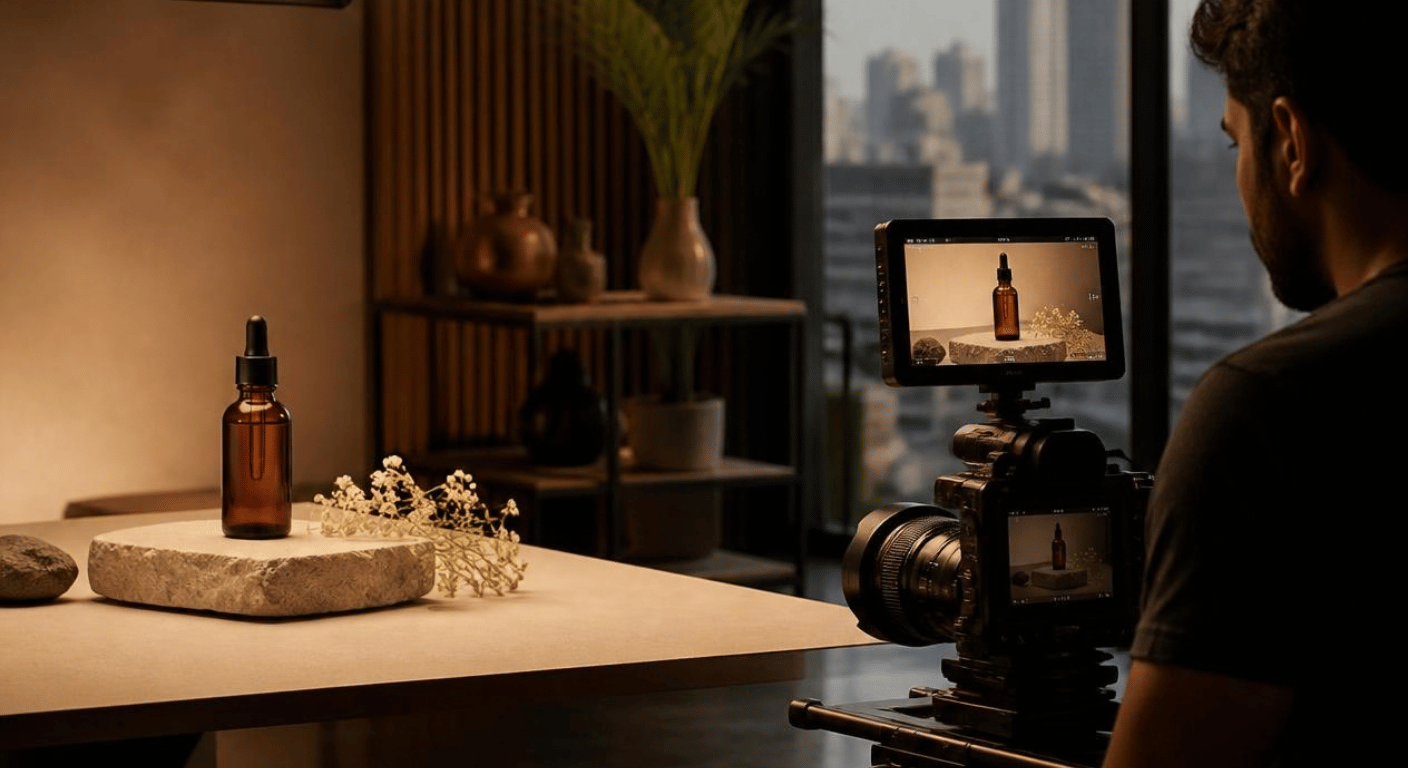
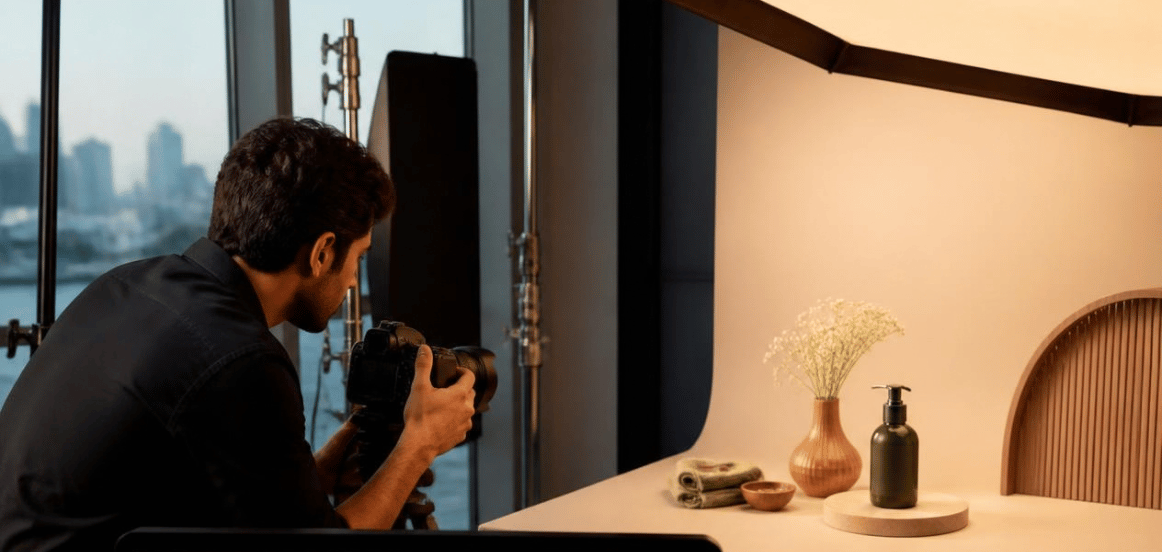
6. Use Professional Lighting
Lighting has a major influence on how a product appears on camera.
The lighting should reveal important details without creating distracting reflections, harsh shadows or overexposed areas.
Different products require different lighting approaches.
For example, jewellery may require carefully controlled reflections.
Glass products can require precise positioning of lights.
Clothing may need softer lighting to reveal texture.
Food products may benefit from directional lighting that creates depth.
The objective is to make the product look clear, accurate and visually appealing.
7. Capture Multiple Product Angles
Customers cannot physically examine an online product.
Multiple camera angles can therefore provide additional visual information.
Depending on the product, consider capturing:
- Front
- Back
- Side
- Top
- Bottom
- Close-up
- Detail shots
- Inside components
- Product in use
Camera movement can also help demonstrate shape and construction.
Slow rotations, controlled push-ins and close-up movements can reveal details without making the video feel unnecessarily complicated.
The camera movement should always serve a purpose.
8. Demonstrate the Product in Use
Showing a product in use can provide information that a static image cannot.
For example:
A coffee machine can be shown preparing coffee.
A bag can be shown being carried.
A beauty product can be shown during application.
A kitchen tool can be demonstrated during cooking.
An electronic device can be shown operating.
A piece of furniture can be shown in an actual room.
The demonstration should focus on the customer’s experience.
Rather than simply showing the product moving around, explain visually what the customer can actually do with it.
9. Show Product Details Clearly
Small details can influence how customers understand a product.
Close-up shots are particularly useful for products where material, texture, construction or finishing matters.
For example, a close-up could show:
- Fabric texture
- Jewellery finishing
- Stitching
- Buttons
- Packaging
- Product controls
- Surface details
- Material quality
- Product mechanism
- Logo placement
Macro and close-up shots should be sharp and properly lit.
The goal is to give customers a closer visual understanding of the product.
10. Combine Product Videos With Professional Product Photography
Product video should not be treated as a replacement for product photography.
Both formats have different purposes.
Still images are useful for product galleries, thumbnails, product listings and detailed visual references.
Video can demonstrate movement, functionality, usage and real-world experience.
Using both can create a more complete product content library.
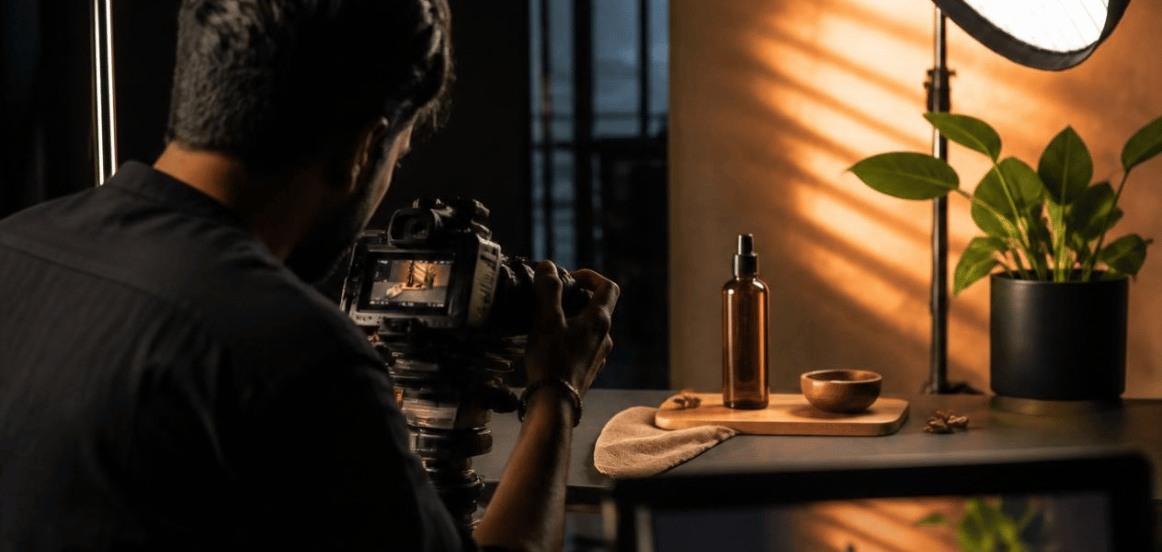
MW Stuudio’s e-commerce photography service specifically supports combining product photography with product video content in the same session, using the same lighting setup and visual direction.
This can also help maintain visual consistency across product images and videos.
11. Keep the Video Focused and Easy to Understand
A product video does not need to show every possible detail.
Too much information can make the video difficult to follow.
Prioritise the features that are most relevant to the customer.
A useful structure could be:
Opening: Show the product clearly.
Feature: Highlight an important feature.
Demonstration: Show how it works.
Details: Show important visual elements.
Closing: Return to the product and reinforce its purpose.
The duration should depend on the product and purpose.
A simple product demonstration may only need a short video, while a complex product may require more explanation.
Focus on useful information rather than length.
12. Add Voice-Over, Captions or On-Screen Information When Needed
Some products benefit from additional explanation.
A voice-over can explain product features while the video demonstrates them.
Captions can make the video easier to understand when viewers watch without sound.
Simple graphics can highlight dimensions, features or important information.
Possible elements include:
- Voice-over
- Captions
- Product specifications
- Feature labels
- Simple animations
- Arrows
- Measurements
- Step-by-step instructions
These elements should remain visually clean.
The product should remain the main focus.
13. Use Professional Post-Production
The final quality of a product video depends heavily on editing and finishing.
Post-production can improve the consistency and clarity of the final content.
Depending on the project, post-production may include:
- Video editing
- Colour correction
- Colour grading
- Sound editing
- Music
- Sound effects
- Motion graphics
- Captions
- Background cleanup
- Product retouching
- Platform-specific exports
MW Stuudio currently offers video editing, colour grading, sound design, motion graphics, subtitles and other post-production services.
Colour accuracy is particularly important for e-commerce products because customers need the digital representation to remain reasonably consistent with the actual item.
14. Prepare the Video for Your E-Commerce Website
Creating the video is only one part of the process.
The final file should be prepared according to where it will be used.
Consider:
- Video dimensions
- Aspect ratio
- Resolution
- File size
- Compression
- Thumbnail
- Captions
- Mobile viewing
- Website loading performance
- Product-page placement
A video that looks excellent on a desktop may need different treatment for mobile users or social platforms.
If you also plan to use the same video on Instagram, YouTube or marketplace listings, create the appropriate versions during post-production.
Platform-specific delivery can make content easier to manage.
15. Build a Reusable Product Video Content Library
One product video can be useful in several places.
Instead of producing content only for a single product page, think about how the footage can support the wider marketing strategy.
A single production session can potentially create:
- Main product video
- Short product Reel
- Product demonstration clip
- Feature highlight video
- Unboxing clip
- Lifestyle video
- Website video
- YouTube content
- Social media content
- Advertisement variations
For brands with many products, batch production can make the process more efficient.
MW Stuudio’s e-commerce photography service describes combining photography and video production in the same session to create a more complete and visually consistent product content library.
Product Video Production Checklist
Before publishing your product video, check:
- Is the product clearly visible?
- Does the video have a clear purpose?
- Is the target customer understood?
- Are the most important features shown?
- Is the product demonstrated correctly?
- Are close-up details sharp?
- Is the lighting consistent?
- Is the colour reasonably accurate?
- Is the audio clear?
- Are captions required?
- Is the editing clean?
- Is the branding consistent?
- Is the video optimised for the intended platform?
- Does the video work well on mobile?
- Can the footage be reused for other marketing channels?
Conclusion
Creating high-quality product videos for e-commerce websites requires more than simply recording a product with a camera.
A useful product video begins with a clear understanding of the customer and the information they need before making a purchase. From there, businesses can plan the right format, prepare the product, create a suitable lighting setup, capture multiple angles, demonstrate the product in use and record detailed close-up footage.
Professional editing and post-production then bring these elements together into a polished final video.
Businesses should also think about product video as part of a larger content system. When photography and video are planned together, the same production session can create a consistent library of visual assets for product pages, social media, advertisements, marketplaces and other digital channels.
MW Stuudio combines product photography, video production and post-production services, allowing e-commerce brands to plan different forms of product content within a connected production workflow.
The objective is simple: show the product clearly, demonstrate its value visually and give online shoppers useful information that helps them understand what they are considering.