
Introduction
Professional photography for small businesses is more than taking attractive pictures of products or services. It helps businesses build credibility, communicate their brand identity, showcase their people, and create a consistent visual presence across websites, social media platforms, advertisements, and marketing materials.
Customers often form an impression of a business before speaking with its team. The photographs they see online can influence whether they trust the brand, explore its offerings, or decide to make an enquiry. Low-quality, inconsistent, or outdated images may make even a good business appear less professional.
Small businesses do not necessarily need a large photography budget or a separate photoshoot for every marketing campaign. With proper planning, one professional photography session can produce a useful collection of images for multiple channels.
The key is knowing what to capture. From product details and team portraits to workplace environments, customer experiences, and behind-the-scenes moments, each photograph should serve a clear purpose.
This guide explains how professional photography for small businesses can support marketing, which images to prioritise, how to prepare for a photoshoot, and how to use the resulting image library effectively.
1. Define Your Business Goals Before the Photoshoot
Before planning a photoshoot, identify what your business wants its photography to achieve. A product-based company may need detailed product images, while a consulting firm may prioritise founder portraits, team photographs, and workplace visuals.
Professional photography for small businesses becomes more valuable when every image supports a specific marketing objective. Instead of capturing random photographs, create a list based on your audience, services, and business priorities.
Consider these questions before booking a shoot:
- Brand awareness: Do you need photographs that introduce your business to new customers?
- Sales and enquiries: Do customers need clearer visuals before purchasing or contacting you?
- Brand credibility: Would professional team portraits or workplace images help build trust?
- Social media growth: Do you need a regular supply of photographs for posts, carousels, and campaigns?
- Website improvement: Are your existing images outdated, inconsistent, or unsuitable for your website layout?
Once these goals are clear, divide your photography requirements into essential, recommended, and optional categories. This approach helps small businesses use their budgets efficiently while ensuring the most important visual assets are captured first.
2. Capture High-Quality Product Photographs
For retail brands, online sellers, manufacturers, food businesses, and local product companies, product photography is often a top priority. Customers need to understand what a product looks like, how it is made, and which details make it suitable for their needs.
Capture products from multiple useful angles rather than relying on a single image. Include clear front, side, back, close-up, and detail shots wherever relevant. These photographs help customers examine important features before making a buying decision.
Your product photography checklist should include:
- Clean catalogue images: Products photographed against a simple, uncluttered background.
- Detail photographs: Close-ups of textures, materials, finishes, packaging, stitching, or product components.
- Scale and size references: Visuals that help customers understand the product’s proportions.
- Lifestyle photographs: Products shown in realistic environments where customers might use them.
- Packaging images: Photographs of the product packaging when presentation or gifting is important.
- Product variations: Different colours, sizes, models, or configurations offered by your business.
Professional lighting, accurate colours, and consistent framing are particularly important for e-commerce stores. Photographs should represent the actual product honestly rather than exaggerating its appearance.
Small businesses can also capture both vertical and horizontal compositions during the same session. This creates more flexibility when using the photographs on product pages, social media, banners, and advertisements.
3. Photograph Your Team and Business Founder
People help customers understand who operates a business and who will be responsible for delivering its products or services. Professional team photography makes a brand feel more approachable and can strengthen trust, particularly for service-based businesses.
Start with individual portraits of the founder, senior team members, customer-facing employees, and specialists whose expertise is important to your customers. Capture a mixture of formal portraits and relaxed, natural photographs that reflect the personality of your business.
Consider including the following:
- Founder or business owner portraits for the website’s About page.
- Team photographs for company profiles and recruitment materials.
- Individual employee portraits for professional introductions.
- Candid photographs of team members collaborating or working.
- Portraits of specialists demonstrating their skills or expertise.
Choose clothing that suits your brand identity without distracting from the person. Ensure the background, lighting, and framing are consistent across individual portraits.
For small businesses, these images can be especially useful on LinkedIn, company websites, pitch decks, proposals, and social media profiles. They can also support personal branding for founders who regularly share professional insights online.
Avoid making every photograph look overly staged. A combination of polished portraits and genuine workplace moments creates a more complete picture of the people behind the business.

4. Show Your Workplace, Studio, Shop, or Office
Your physical environment can communicate a great deal about how your business operates. A clean, organised, and well-presented workplace may help customers understand your professionalism, facilities, working process, and service experience.
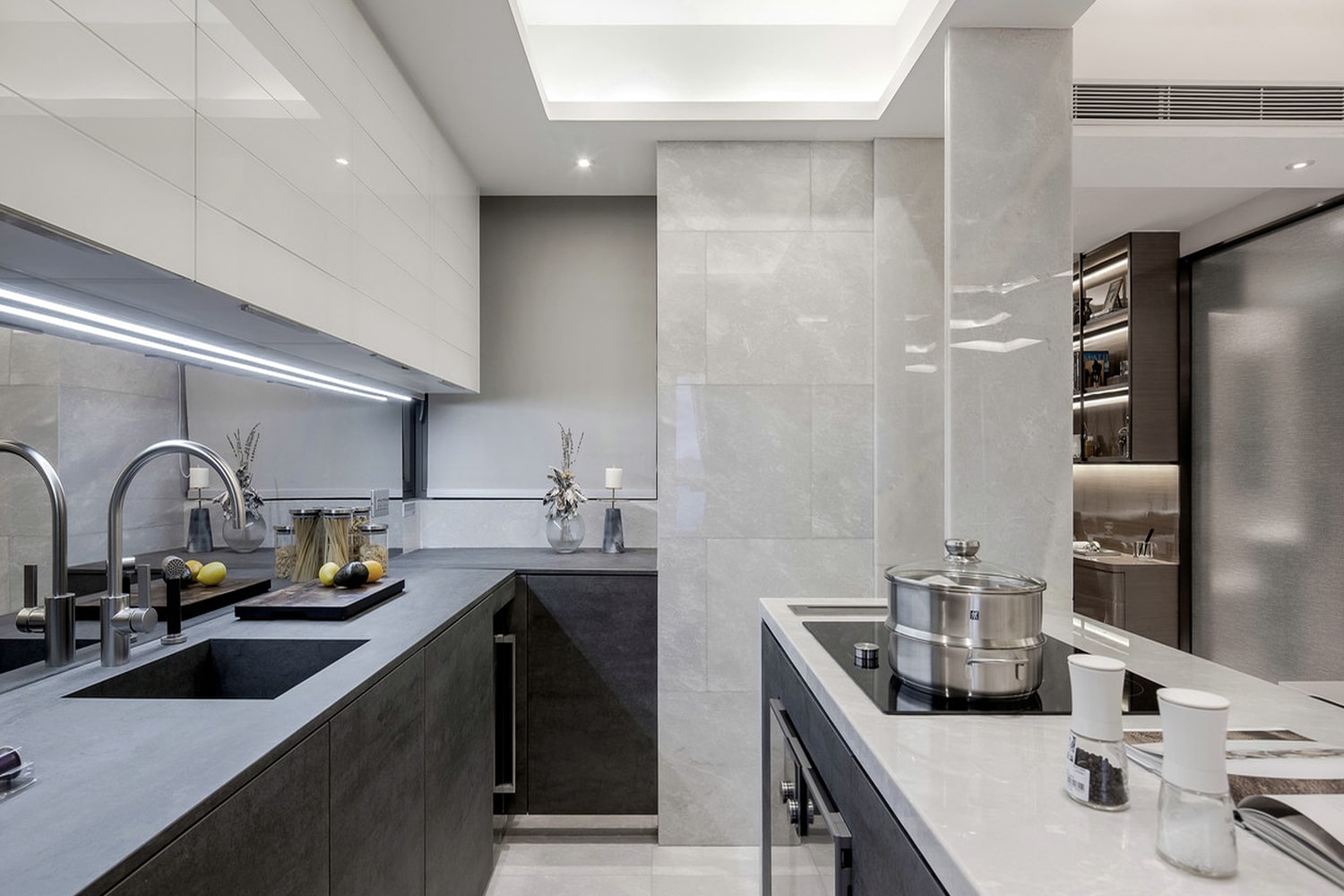
For a retail store, capture the storefront, product displays, interiors, and customer areas. For a service business, photograph meeting spaces, workstations, consultation areas, or specialised equipment. A creative studio may benefit from photographs showing its production facilities and professional setup.
Useful workplace photographs include:
- Exterior photographs that help customers recognise your location.
- Wide interior shots that show the layout and atmosphere.
- Detail photographs of equipment, displays, or workstations.
- Reception and customer consultation areas.
- Clean, well-lit photographs of your team working in the space.
- Photographs highlighting facilities that differentiate your business.
Prepare the location before the session. Remove unnecessary clutter, organise products, clean visible surfaces, and ensure that important areas are properly illuminated.
If your business operates from a home office or shared workspace, you can still create professional imagery. Focus on tidy surroundings, relevant equipment, and compositions that show the environment without revealing private information.
These images can support your website, Google Business Profile, social media accounts, and presentation materials.
5. Capture Your Products or Services in Action
Customers often want to see how a product works or what receiving a service actually looks like. Photographs of real activities can answer these questions more effectively than generic stock imagery.
For a bakery, this could mean capturing a baker decorating a cake. For a salon, it might include a professional preparing a client for a service, with appropriate permission. For a manufacturing business, useful images could show skilled employees operating equipment or checking product quality.
Plan action photographs around the most important steps in your customer experience.
- Show the preparation or setup process.
- Capture employees using relevant tools and equipment.
- Photograph important stages of a service or production workflow.
- Highlight product features through realistic demonstrations.
- Show the care and attention involved in delivering the final result.
These photographs can make an unfamiliar process easier to understand and help potential customers picture themselves using your product or service.
Whenever possible, photograph genuine activities rather than creating scenes that misrepresent your normal operations. If customers or employees appear in the photographs, obtain appropriate consent before using the images publicly.
For businesses offering complex services, a sequence of photographs can be particularly effective. A series showing the process from beginning to end may help customers understand what to expect before booking.
6. Create Lifestyle and Real-World Use Photographs
Lifestyle photography shows products and services in situations that customers can recognise. Instead of presenting an item in isolation, it demonstrates how it fits into everyday routines, professional environments, or special occasions.
For example, a home décor brand could photograph its products in a thoughtfully styled living room. A business selling office accessories could show its products being used at a desk. A food business could capture dishes being served and enjoyed in an appropriate setting.
Professional photography for small businesses should include lifestyle images when customers need context, inspiration, or help imagining the benefits of an offering.
When planning lifestyle photographs, consider:
- Audience relevance: Choose people, environments, and activities that reflect your intended customers.
- Authenticity: Avoid unnatural poses or settings that feel disconnected from real use.
- Product visibility: Ensure the product remains easy to recognise.
- Brand consistency: Match the setting, styling, and atmosphere to your brand identity.
- Multiple compositions: Capture wide scenes, medium shots, and close-up details.
Lifestyle photographs are useful for social media, advertising campaigns, landing pages, product pages, and promotional brochures. They can also give a business more visual variety than a collection of identical catalogue images.
Keep the creative direction consistent with your brand. A premium product may benefit from carefully controlled styling, while a community-focused business might prefer candid, approachable imagery.
7. Photograph Customer Experiences and Social Proof
Customers often want reassurance that other people have had a positive experience with a business. Genuine photographs of customer interactions, completed projects, and service delivery can help communicate credibility.
If appropriate for your business, photograph customers receiving a service, reviewing a product, attending a consultation, or participating in an event. For business-to-business companies, completed projects and client collaboration can also provide useful evidence of your capabilities.
Possible photographs include:
- Customers interacting with products in a store.
- A client consultation or onboarding session.
- A completed project photographed with the client’s permission.
- Customer workshops, demonstrations, or community events.
- Genuine testimonials supported by an approved customer portrait.
Always obtain permission before using identifiable customer photographs in marketing materials. Explain where the images may appear and respect any restrictions the customer requests.
Never stage or present a person as a real customer if they are not one. If models are used to demonstrate a customer experience, represent the images appropriately.
For businesses with limited customer access, photographs of completed work, carefully documented projects, and professional service interactions can still provide useful visual proof. The goal is to show real business activity in a respectful and truthful way.
8. Include Behind-the-Scenes Photographs
Behind-the-scenes images reveal the people, skills, preparation, and effort that go into running a business. They can help audiences feel more connected to a brand and provide useful social media content between major campaigns.
These photographs do not need to be perfectly staged. A professional shoot can capture candid moments while the team prepares orders, organises materials, checks quality, plans a project, or sets up equipment.
Useful behind-the-scenes moments include:
- Preparing products before dispatch.
- Planning a project with team members.
- Setting up a workstation or production environment.
- Checking finished work for quality.
- Organising stock, materials, or packaging.
- Preparing for a client meeting or photoshoot.
A planned session can capture both polished campaign images and natural supporting photographs. This makes it easier to publish varied content without arranging a new shoot every time the business needs a social media post.
However, behind-the-scenes content should still reflect professional standards. Keep confidential documents, customer information, sensitive screens, and private areas out of the frame.
For businesses that rely on craftsmanship or specialised processes, these photographs can communicate the attention and expertise customers may not otherwise see.
9. Capture Brand Details, Packaging, and Visual Identity
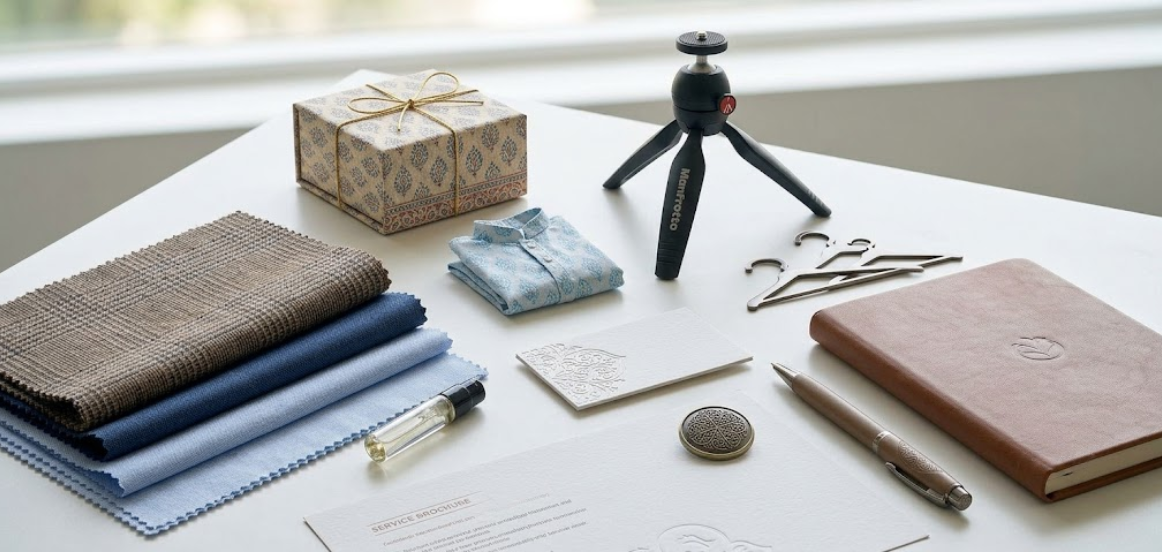
Small details often contribute to how customers recognise a business. Packaging, branded materials, product labels, tools, uniforms, and carefully arranged workspaces can help communicate a consistent identity when photographed thoughtfully.
Plan detail shots that complement your main product, team, and workplace photographs. These images are particularly useful for social media carousels, website banners, campaign graphics, and supporting content.
Consider capturing:
- Product packaging and presentation.
- Branded stationery, menus, or printed materials.
- Materials, textures, finishes, and craftsmanship.
- Uniforms or distinctive tools used by the team.
- Products arranged together as a collection.
- Carefully styled details that reflect your business personality.
Use your brand colours and styling consistently, but avoid making every image look identical. Variety in framing and composition will make your visual library more useful.
Ensure that labels and product details are accurate. If your business uses visible customer information or third-party branding, check permissions before publishing those images.
For small businesses with limited marketing resources, detail photographs can be valuable supporting assets. They fill gaps between major campaign images and provide designers with more flexibility when creating website sections, brochures, and advertisements.
10. Plan Different Photo Formats for Your Marketing Channels
A photograph that works beautifully on a website banner may not work as well in a square social media post. Different marketing channels use different aspect ratios, image sizes, layouts, and visual conventions.
During the shoot, discuss where each photograph will be used. This allows the photographer to plan the composition, leave space for design elements where needed, and capture alternative framing options.
A practical channel-based plan may include:
- Website: Wide hero images, team portraits, service photographs, and detailed supporting images.
- Instagram: Vertical portraits, square product images, lifestyle scenes, and carousel-friendly close-ups.
- LinkedIn: Professional team portraits, founder photography, workplace scenes, and project documentation.
- Google Business Profile: Authentic photographs of the premises, products, team, and customer-facing environment.
- Email marketing: Clear, well-composed images that remain effective at smaller display sizes.
- Brochures and presentations: High-resolution photographs with enough space for page layouts and accompanying text.
Capture both vertical and horizontal compositions where practical. Keep the main subject clear and avoid placing essential details too close to the edges, where platform cropping may remove them.
Before publishing, follow the current image specifications and policies of each platform. You can refer to the official Instagram Help Center and Google Business Profile Help for platform guidance.
11. Prepare a Practical Photography Shot List
A shot list turns your photography goals into an organised production plan. It helps you remember essential images, coordinate people and products, and avoid spending valuable shooting time deciding what to photograph next.
Start by listing the photographs your business needs most urgently. Then group similar shots together so the photographer can work efficiently without repeatedly changing locations, lighting setups, or styling.
A simple shot list might include:
- Five to ten essential product photographs.
- Founder and team portraits.
- Wide and detailed workplace photographs.
- Service demonstrations or process images.
- Lifestyle photographs for marketing campaigns.
- Behind-the-scenes moments.
- Packaging and brand-detail photographs.
- A selection of vertical and horizontal compositions.
Adjust the quantities according to the size of your business, the number of products, and the time available. A business with several product categories may need a more detailed plan than a consultant who mainly needs portraits and workplace images.
Before the shoot, confirm the location, schedule, equipment requirements, product availability, clothing, props, and any permissions required. Assign one person to coordinate the session and make sure key products or team members are ready at the scheduled time.
A clear shot list also helps you identify which photographs can be captured together, reducing unnecessary setup time and making the final image collection more cohesive.
12. Organise, Optimise, and Reuse Your Photography Library
The value of a professional photoshoot does not end when the camera is packed away. Organising and reusing the images allows your business to maintain a consistent visual presence while reducing the need for frequent reshoots.
Create a structured image library with folders for products, people, workplace, lifestyle, behind-the-scenes, campaigns, and website assets. Use descriptive filenames so the team can find relevant images without opening every file individually.
A useful image management process includes:
- Select carefully: Keep the strongest, most relevant photographs and remove unnecessary duplicates.
- Name files clearly: Use descriptive filenames that explain the subject.
- Export appropriately: Prepare suitable image dimensions and file formats for each channel.
- Optimise file sizes: Compress images without noticeably reducing visual quality.
- Add accurate alt text: Describe meaningful images for accessibility and search engines.
- Track permissions: Keep consent records and usage restrictions organised where relevant.
- Review regularly: Replace outdated product, team, or workplace photographs when the business changes.
For website use, follow Google’s guidance on Google Images SEO best practices. Relevant image context, descriptive filenames, useful alt text, and suitable technical implementation can support discoverability, although no single image optimisation step guarantees rankings.
Repurpose your image library across website pages, social media, newsletters, proposals, presentations, and campaign materials. Maintain a consistent visual style while adapting the crop and composition to each placement.
Review your library every few months. Updating key photographs helps ensure that your online presence reflects your current products, team, facilities, and brand identity.
How MWS India Can Help Small Businesses Create Professional Photography
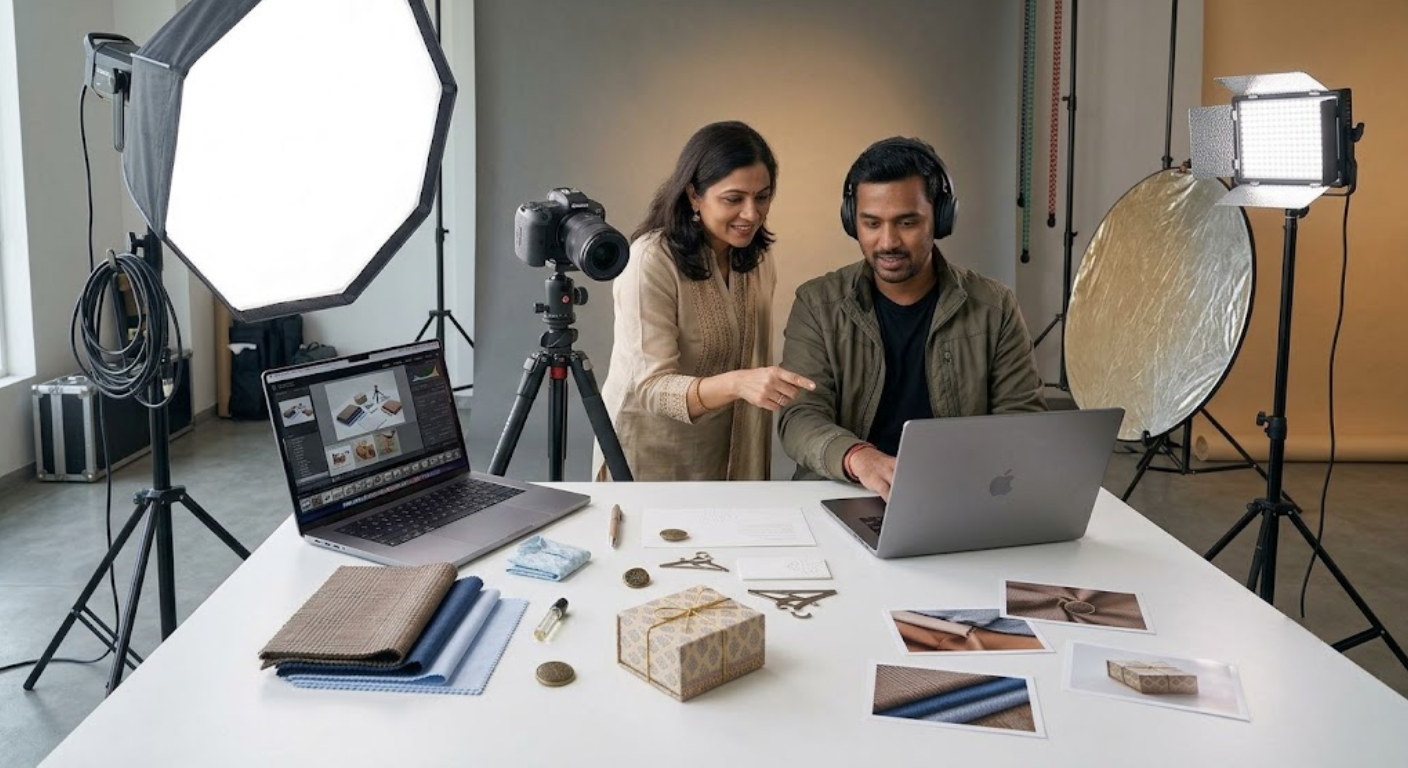
Planning and producing business photography takes time, creative direction, equipment, lighting expertise, and careful organisation. For small businesses, working with a professional content production team can simplify the process and help create a collection of useful visual assets in a coordinated session.
MWS India supports businesses that need professional visual content for their websites, social media platforms, campaigns, and brand communication. Depending on your requirements, a photography session can focus on products, team portraits, business environments, lifestyle images, or a combination of these.
A planned shoot can help your business:
- Create a consistent visual identity across marketing channels.
- Present products and services more professionally.
- Capture team portraits and workplace photographs.
- Build a reusable library of marketing images.
- Prepare multiple compositions for websites and social media.
- Coordinate photography with video, reels, or other content production needs.
Before booking, share your business goals, target audience, preferred visual style, expected image quantity, and intended platforms. This helps establish a practical shot list and production plan.
To explore the available services and discuss your requirements, visit MWS India.
Conclusion
Professional photography for small businesses helps communicate quality, build credibility, and create a more consistent brand experience. The most effective photoshoots capture more than products alone: they include people, workplaces, real service experiences, lifestyle moments, brand details, and behind-the-scenes activities.
Start by identifying the images your customers need to see before choosing your business. Prepare a clear shot list, coordinate your team and location, and capture a variety of compositions for your most important marketing channels.
You do not need to photograph everything at once. Prioritise the images that support your immediate business goals, then expand your visual library over time. With a well-planned session and an organised image collection, small businesses can create professional, reusable content that supports their website, social media, and long-term marketing strategy.